Blog
Guides for teams that sell on chat
How to run many chat accounts, message customers in their language, send bulk messages responsibly and let AI answer the easy questions. Written from real use, with honest limits.
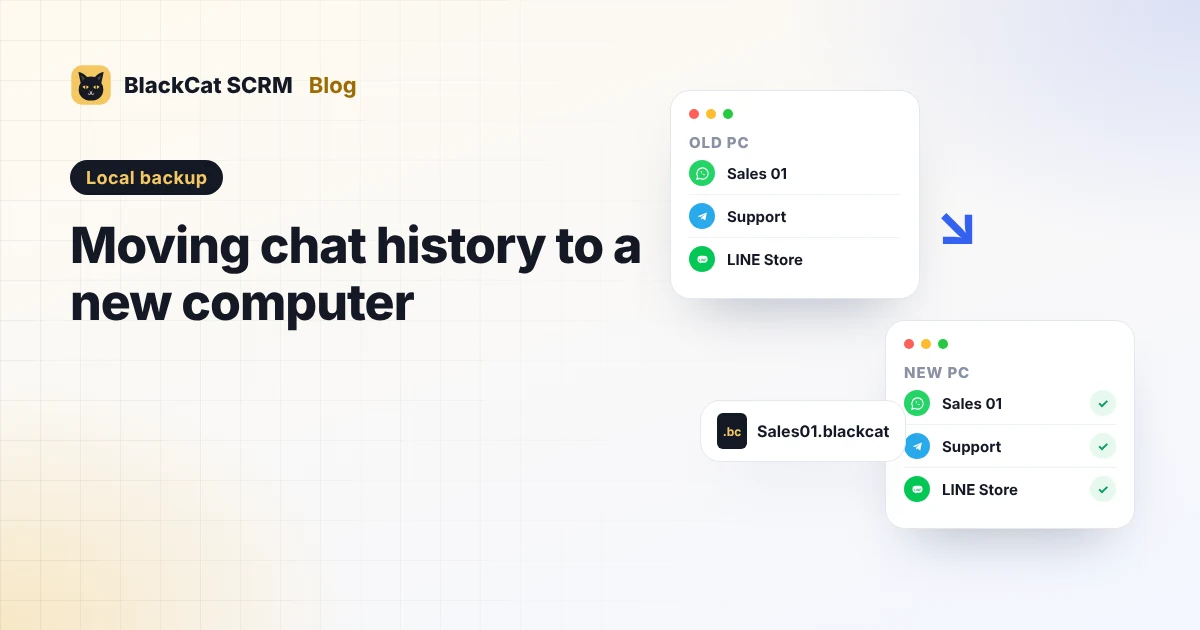 Local backupMoving WhatsApp and Telegram chat history to a new computerWhat moves by itself when you change computers, what stays behind, and a step-by-step plan for WhatsApp, Telegram and your BlackCat backups, notes and settings.
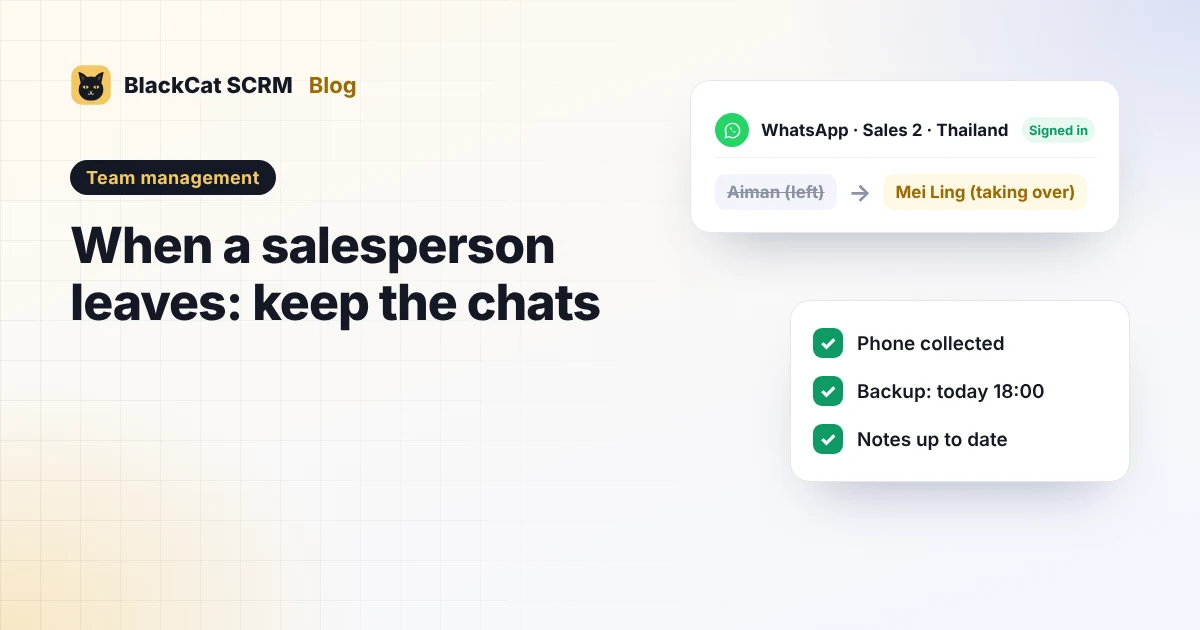 Team managementWhen a salesperson leaves: keep customer chats and notes with the companyHow to make sure customer chats, numbers and notes stay with the company when a salesperson leaves: who should own the numbers, a handover checklist and what can't be recovered.
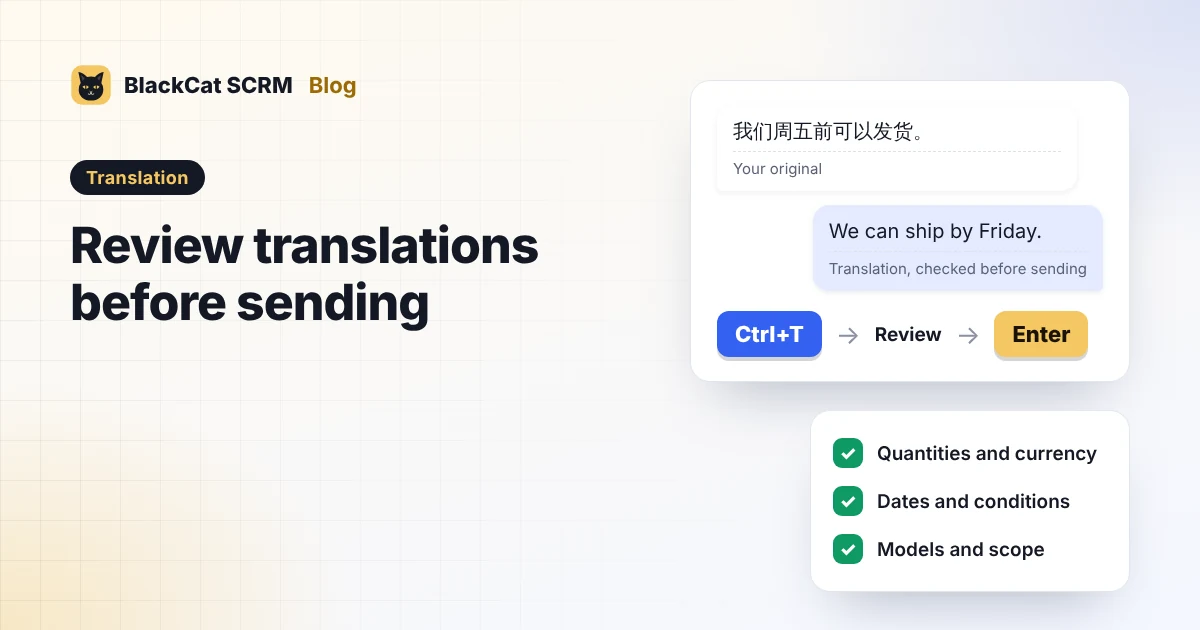 TranslationWhatsApp customer service: review translations before sendingUse BlackCat SCRM’s Ctrl+T shortcut to translate a reply, review its details, then press Enter to send. Includes setup screenshots and a practical review checklist.
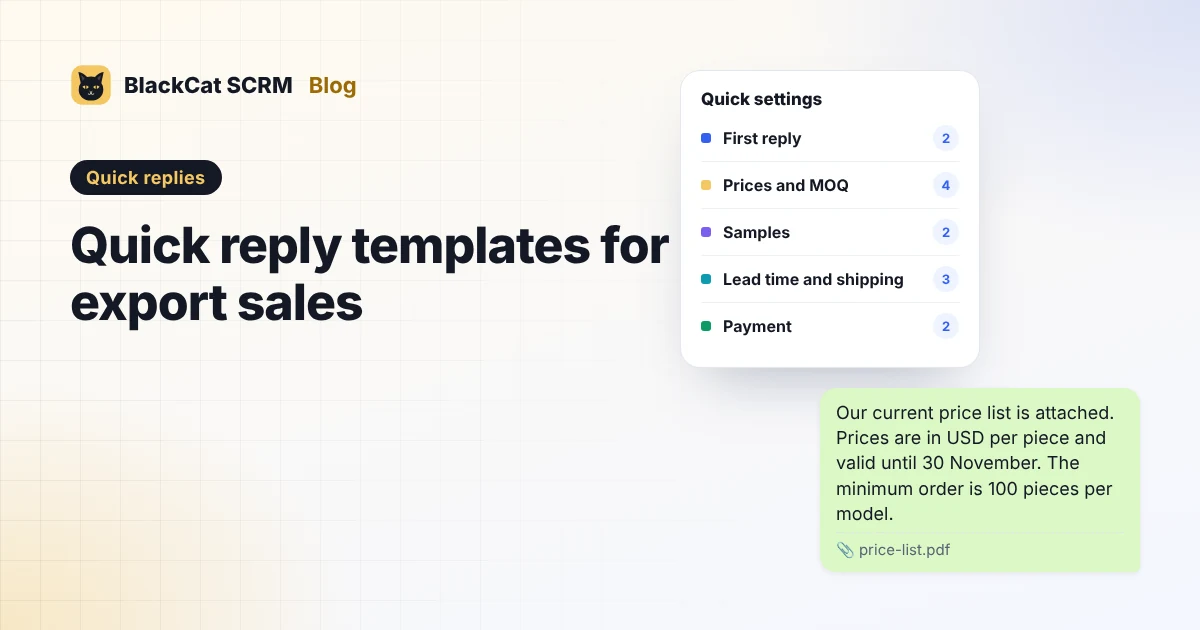 Quick repliesQuick reply templates for export sales: prices, payment, shippingReady-to-adapt quick replies for export sales chats in English, Malay and Chinese: first reply, prices and MOQ, samples, lead time, payment, shipping and after-sales.
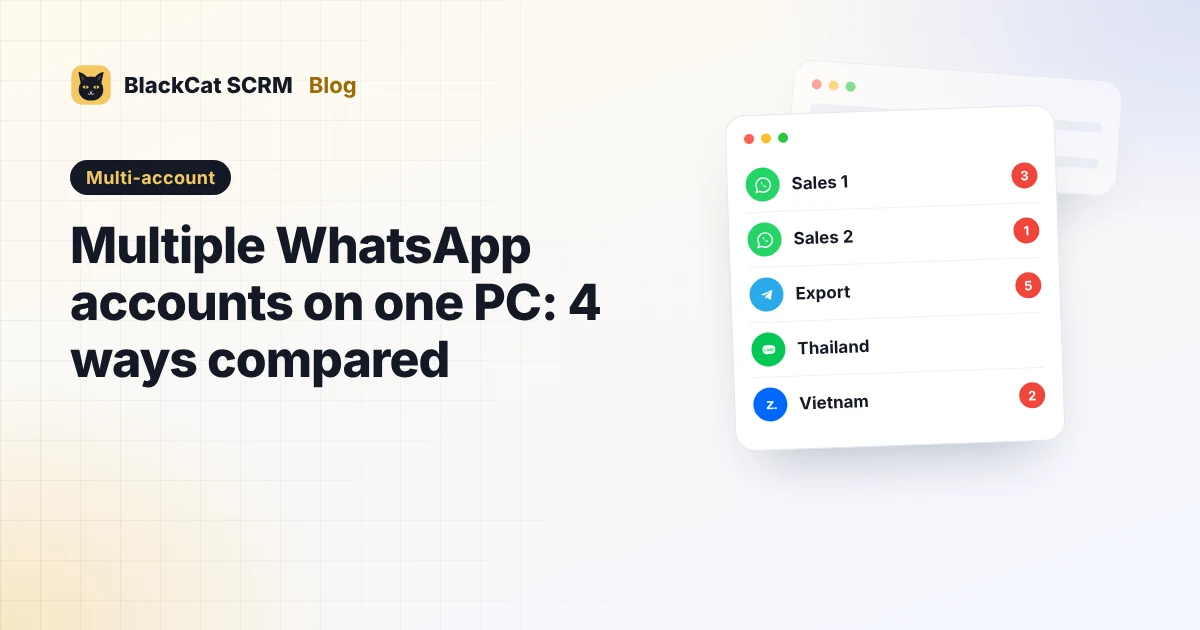 Multi-accountHow to use multiple WhatsApp accounts on one PC: 4 ways comparedFour ways to run several WhatsApp accounts on one computer: browser profiles, linked devices, two accounts on a phone and a multi-account app. What each can and can't do.
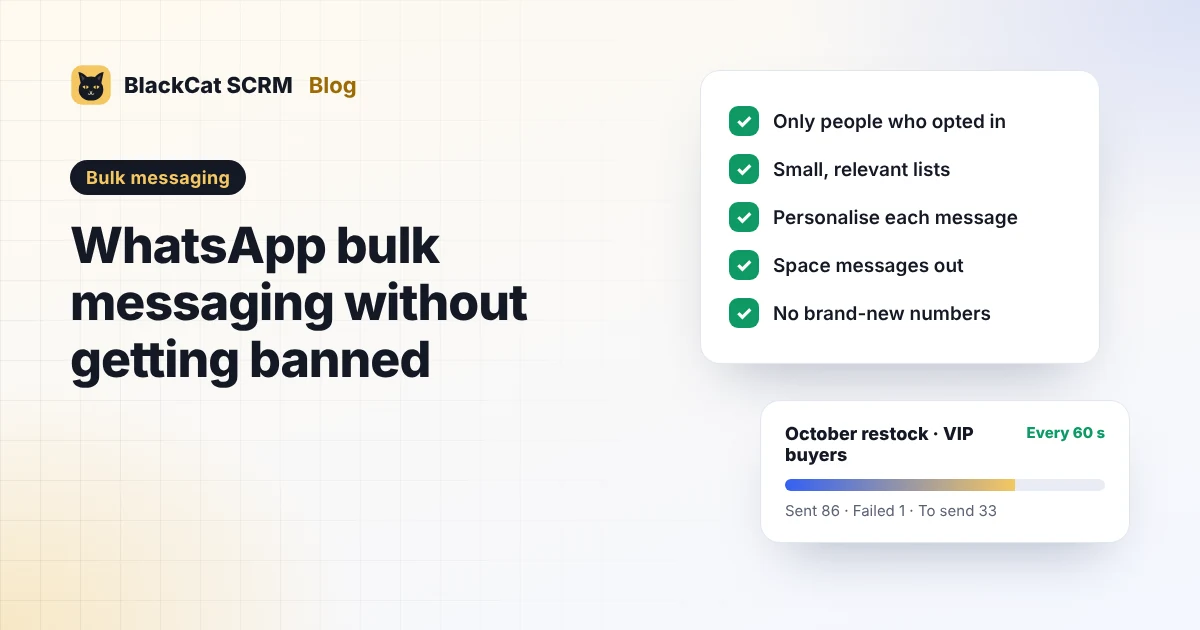 Bulk messagingWhatsApp bulk messaging without getting banned: a compliance checklistNo tool can promise a WhatsApp number won't be banned. This checklist covers what WhatsApp's rules say, why numbers get blocked, and how to message customer lists responsibly.
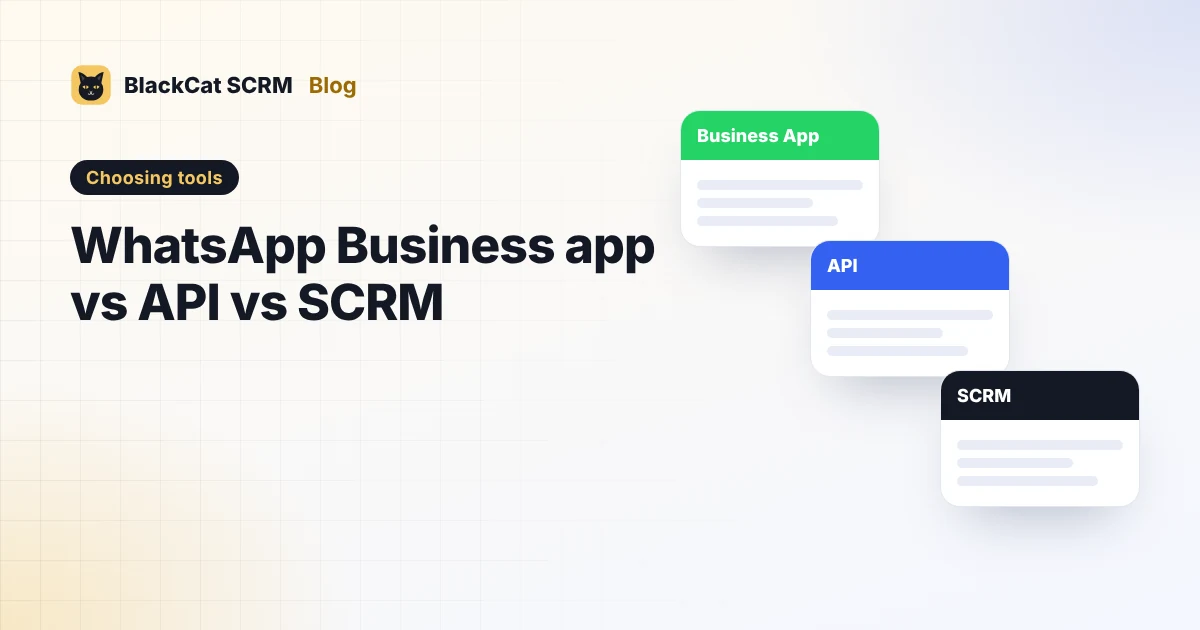 Choosing toolsWhatsApp Business app vs API vs SCRM: which does your team need?The WhatsApp Business app, the WhatsApp Business Platform (API) and a multi-account SCRM solve different problems. Costs, limits and who each one suits, in plain terms.
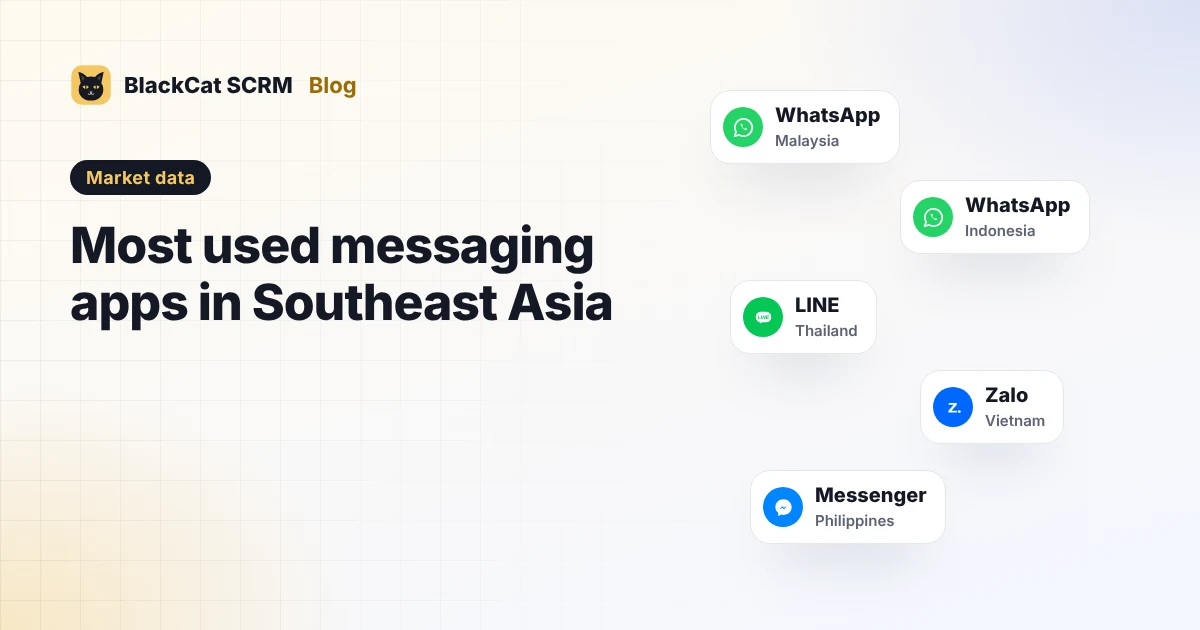 Market dataMost used messaging apps in Southeast Asia, country by countryWhatsApp leads in Malaysia and Indonesia, LINE in Thailand, Zalo in Vietnam and Messenger in the Philippines. The figures, their sources and what they mean for your sales channels.
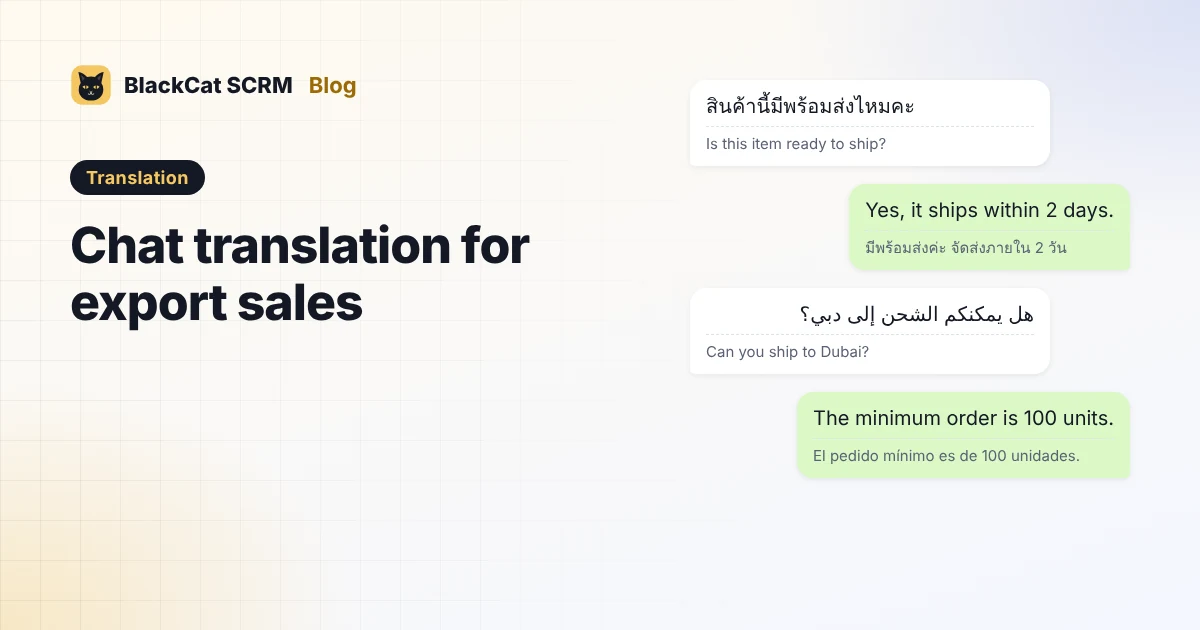 TranslationHow to chat with customers who don't speak English: chat translation for export salesReal examples in Thai, Vietnamese, Arabic and Spanish, the mistakes machine translation makes with prices and dates, and a simple routine for translating sales chats safely.
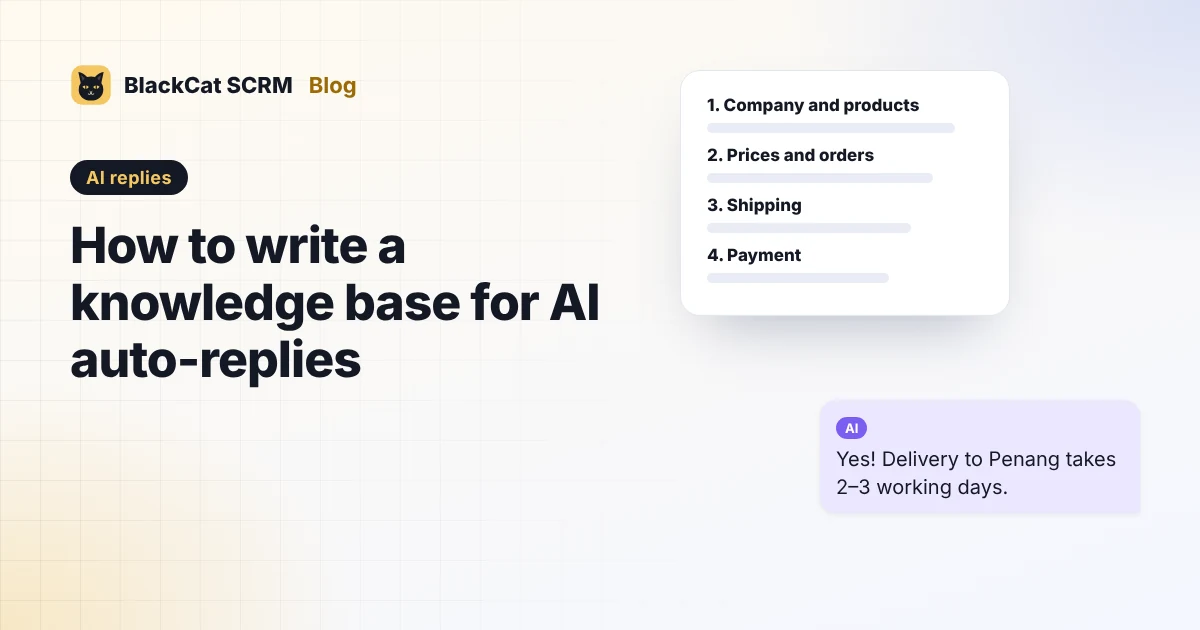 AI repliesHow to write a knowledge base for AI auto-replies, with a templateAI replies are only as good as what you teach them. A section-by-section knowledge base template for sales chats, hand-over rules, and how to test before switching auto-reply on.