Isolated sessions
Each account signs in separately and keeps its own cookies and login, so accounts never mix.
Stop switching phones and browser tabs. Sign in to all your WhatsApp, Telegram, LINE, Messenger, TikTok, Zalo and X accounts and work them side by side, each kept completely separate.
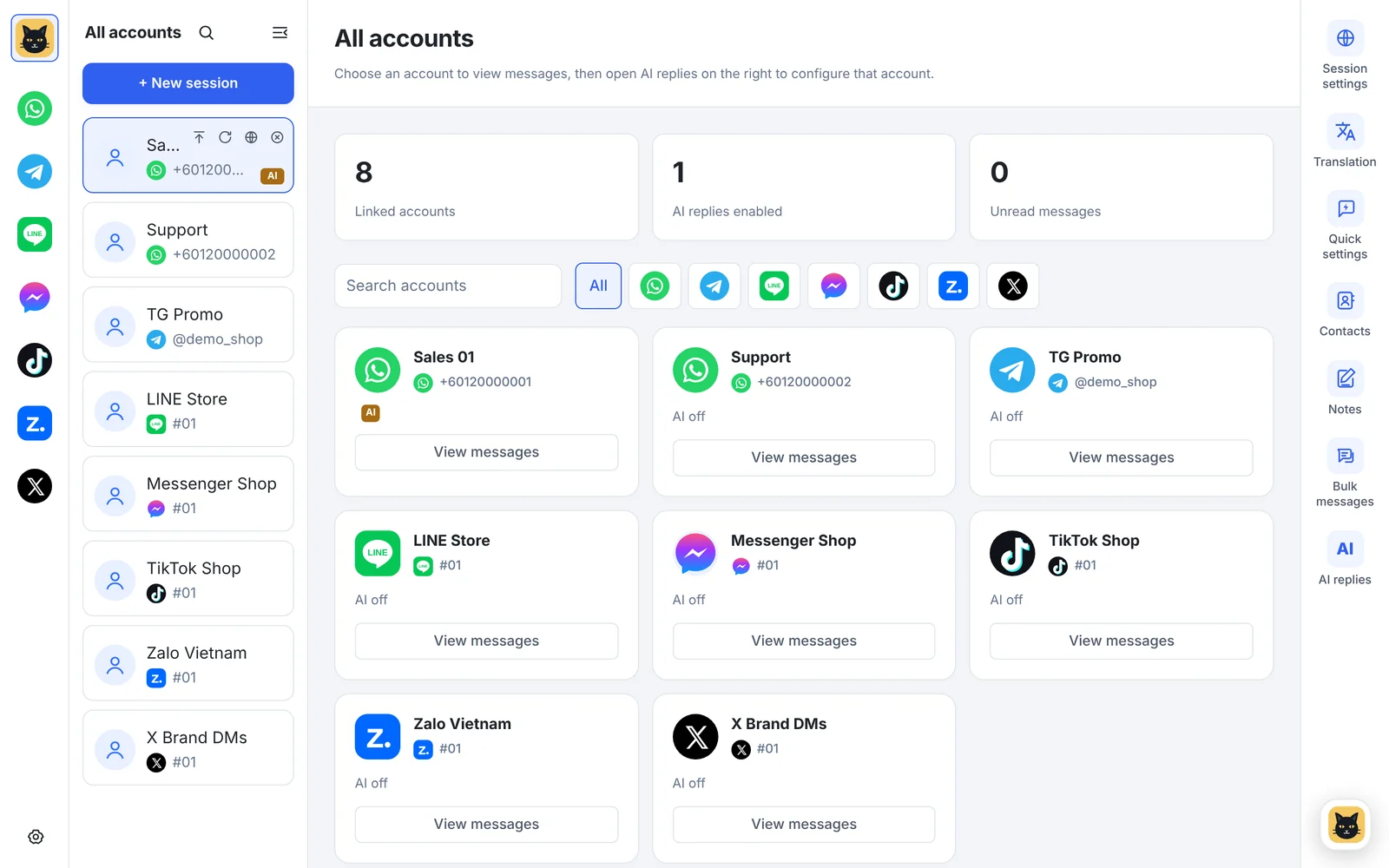
Real screen from v1.14.5 with sample data
WhatsApp, Telegram, LINE, Messenger, TikTok, Zalo and X accounts sit in one list, with the platform icons down the left and an AI badge on accounts where AI replies are on.
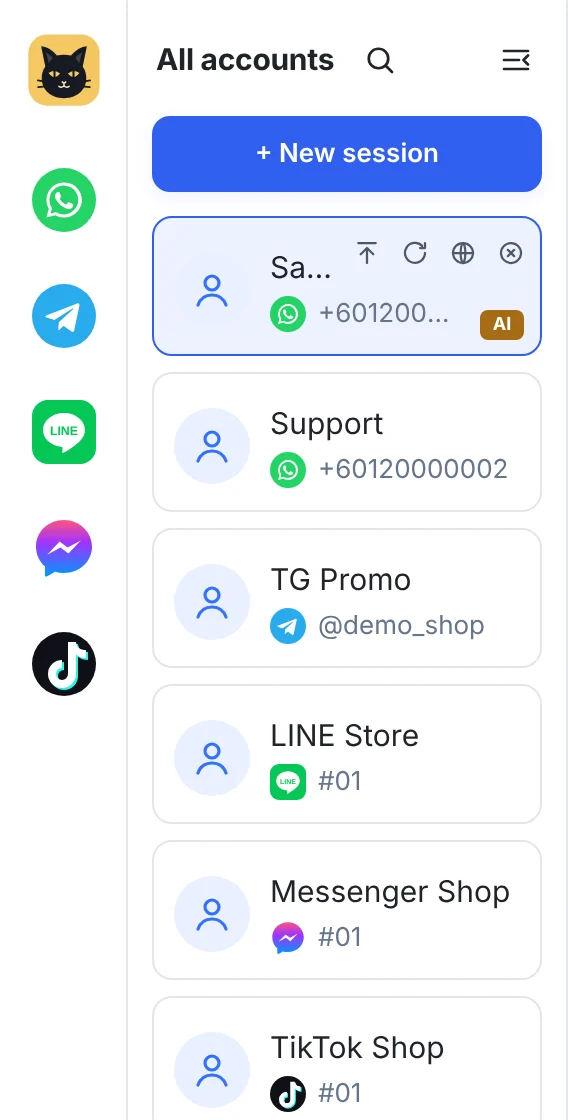
Pick a platform, scan the QR code with your phone and the account appears in the list.
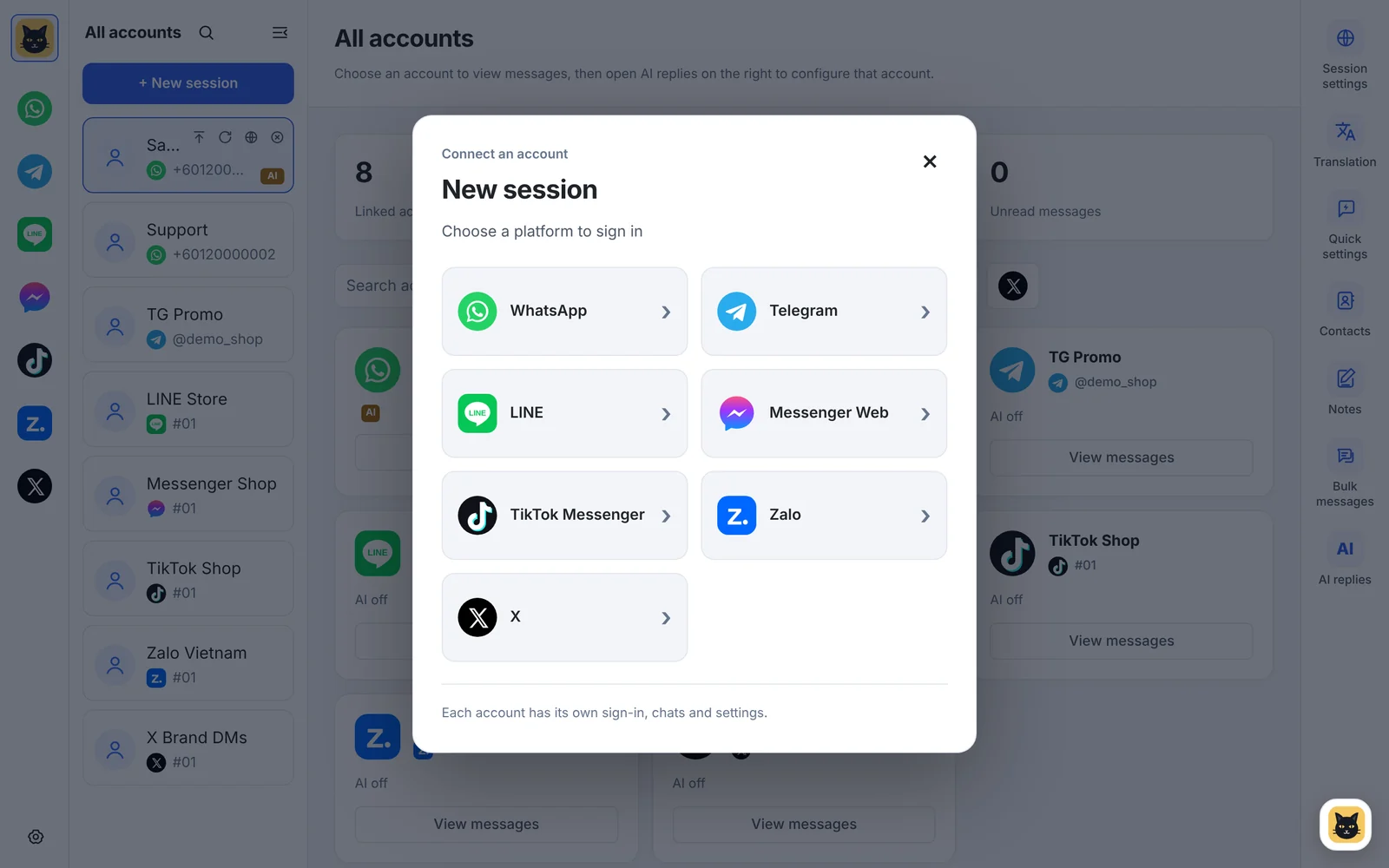
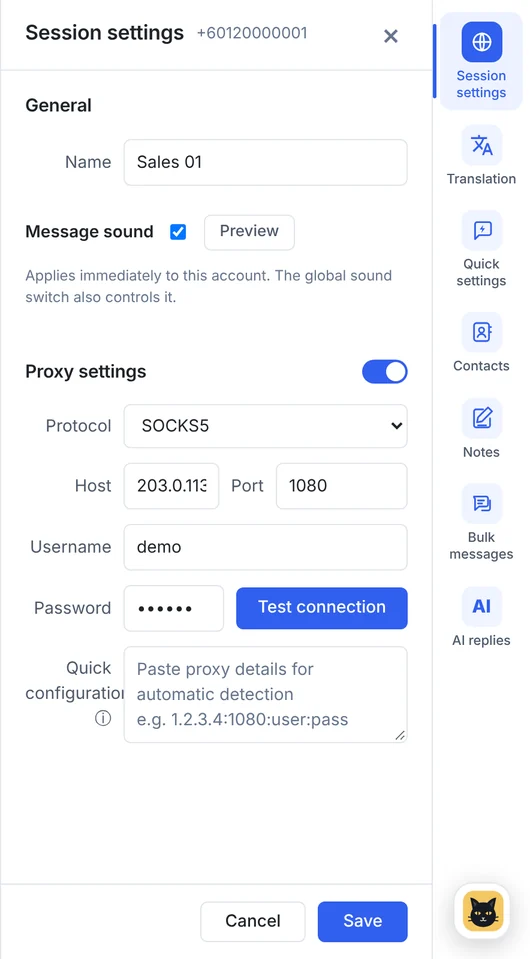
Rename the account, give it its own message sound and set a SOCKS5 or HTTP proxy for just that session.
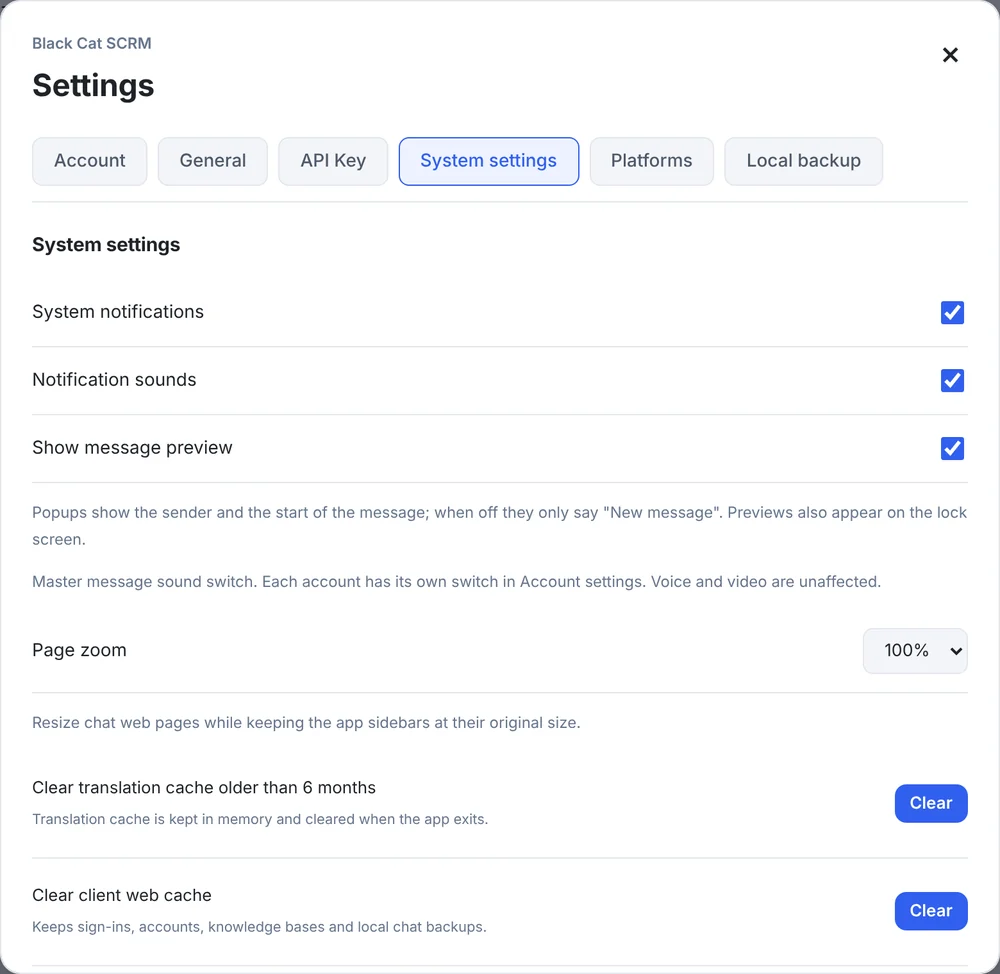
Turn system alerts, the alert sound and message previews on or off, and zoom the whole app.
Each account signs in separately and keeps its own cookies and login, so accounts never mix.
Give any account its own SOCKS5 or HTTP proxy and environment settings.
Red badges on every account and a home screen with each account's login and AI status.
New messages pop up with the sender and a preview, up to 3 stacked; turn previews off any time.
Give each account its own message sound, or mute the ones you only check now and then.
Reopening the app restores your logins where the platform allows, so you start where you left off.
Pick WhatsApp, Telegram, LINE, Messenger, TikTok, Zalo or X.
Log in with your phone, like any web version.
Rename the account, set a proxy and drag it into order.
Every plan includes 5 chat accounts. Pro and Business can add more at $4 each; Enterprise has no limit. Starter and Pro run on one computer at a time, Business and Enterprise on as many as you need. See plans →
As many as your plan allows: 5 on Starter, Pro and Business (Pro and Business can add more), unlimited on Enterprise.
Yes. WhatsApp and WhatsApp Business accounts both sign in through WhatsApp's web version inside BlackCat.
They open as their own web pages with unread counts, pop-up alerts and message sounds. Translation, quick replies, notes and AI replies aren't available on them yet. See what works on each platform.
Download the Windows client, or tell us how many accounts you run and we'll recommend a plan.