Learns from your material
Text, web links, Excel, PDF and other files, audio and video, Google Sheets or an API.
Build a knowledge base, let the AI learn it, and switch on auto-replies for any account. It answers new customer chats around the clock and passes anything it isn't sure about to your team.
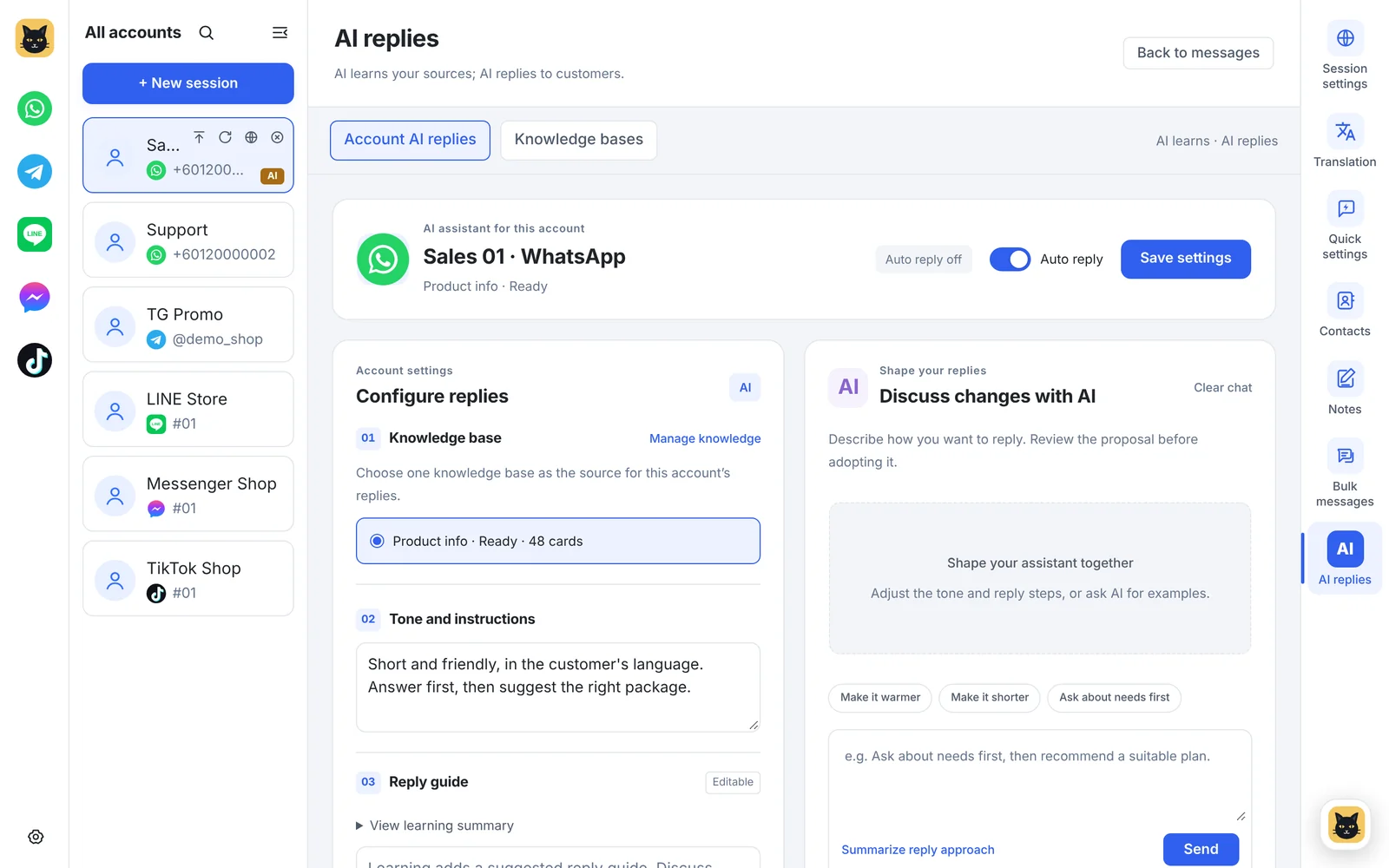
Real screen from v1.14.5 with sample data
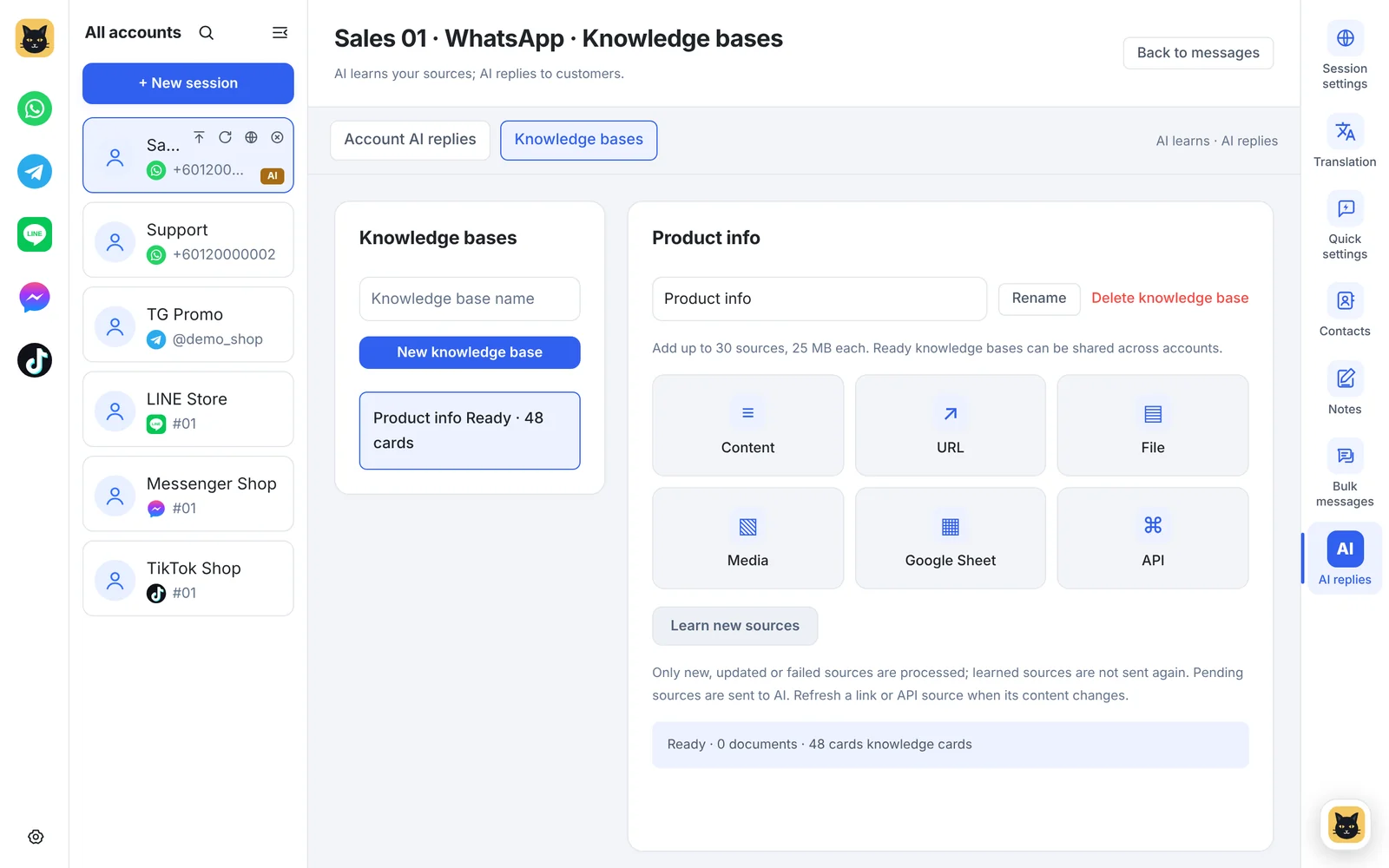
Add text, links, files, audio and video, Google Sheets or an API to a knowledge base and let the AI learn it.
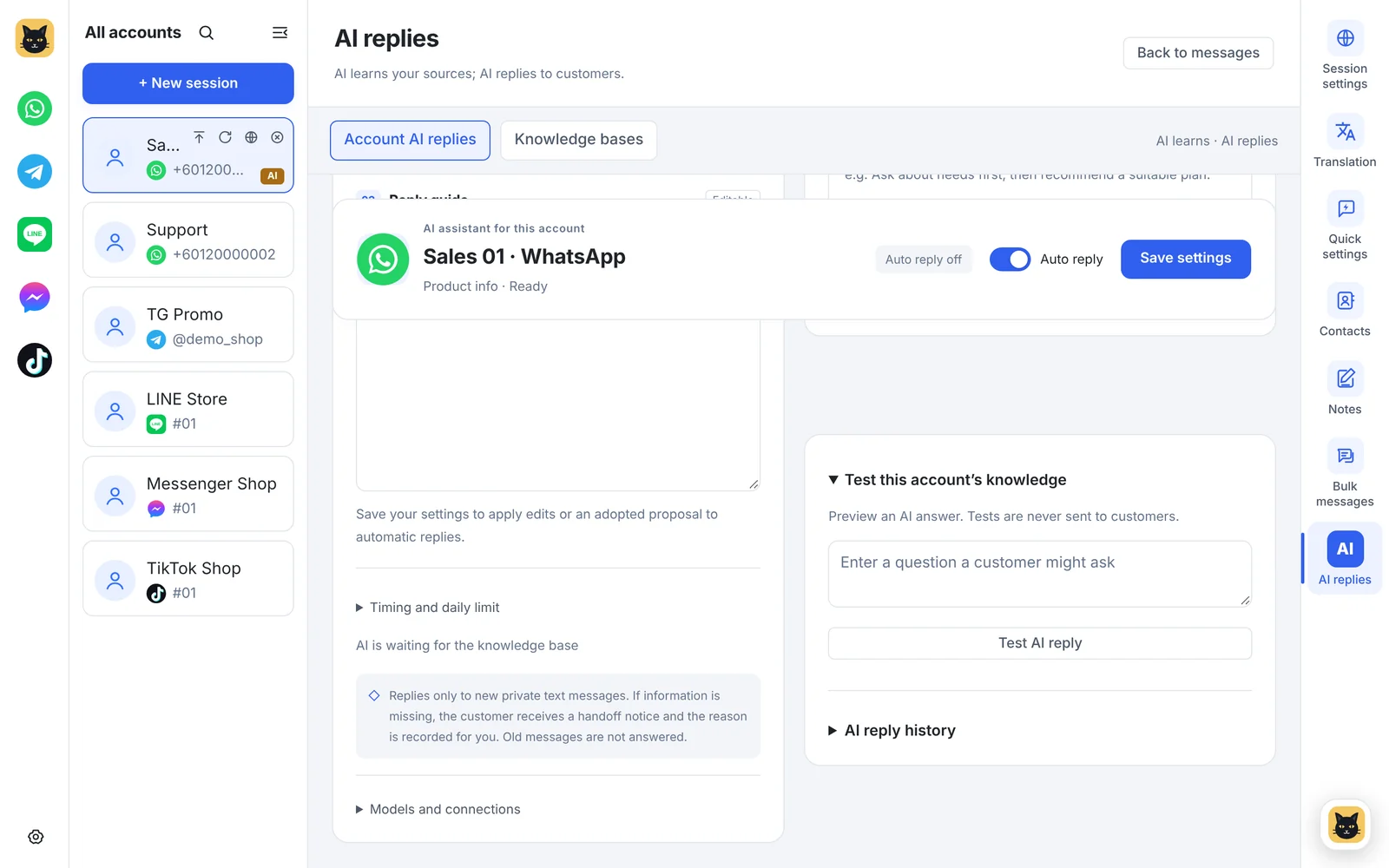
Ask the knowledge base real questions in the test area, and set how long to wait for customers and the daily reply limit.
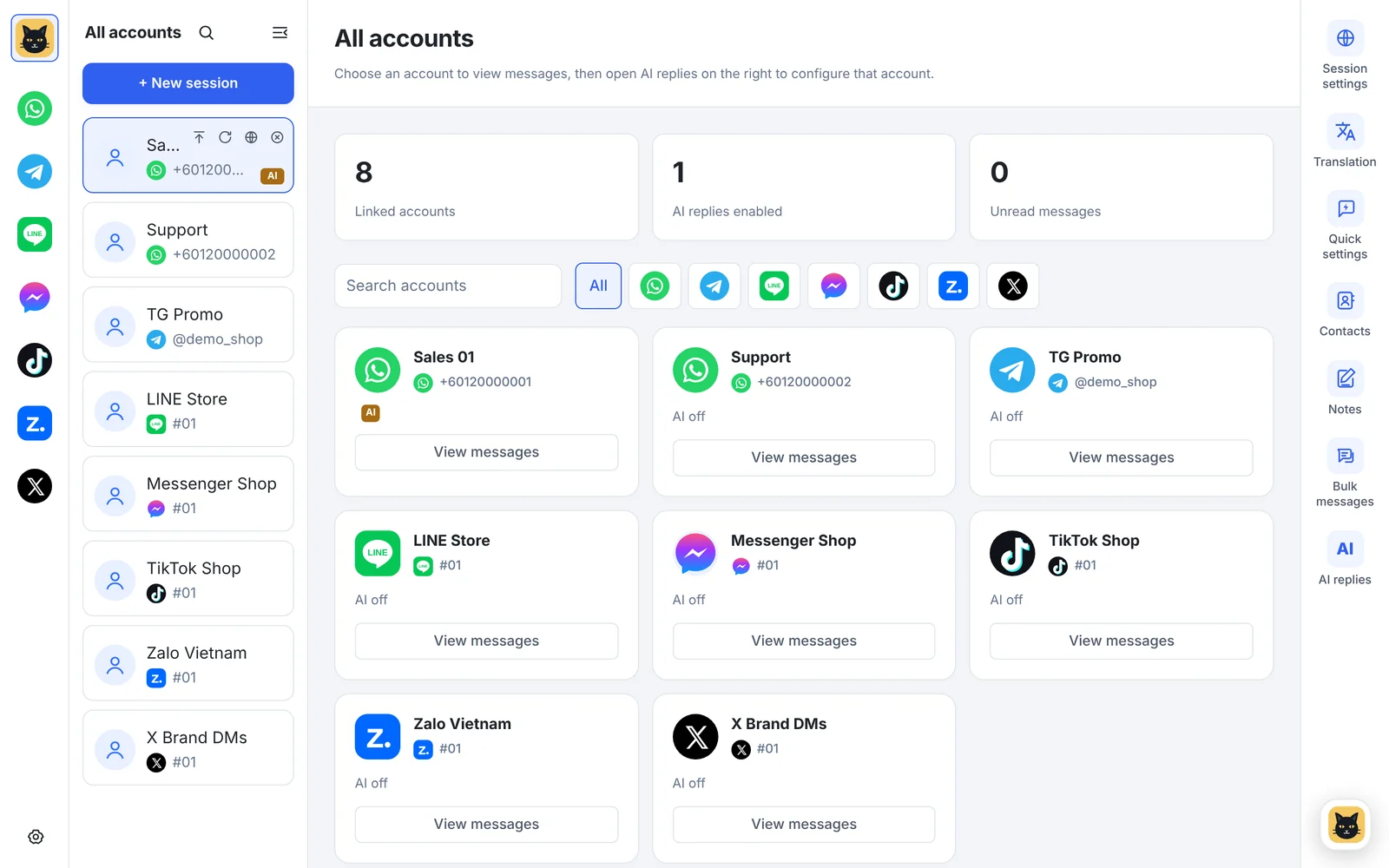
The home screen shows every account's status and how many have AI replies switched on.
Text, web links, Excel, PDF and other files, audio and video, Google Sheets or an API.
Describe how you want it to reply, then refine the style by chatting with the AI.
Ask it real questions in a test area; nothing is sent to customers.
It waits a few seconds so customers can finish typing before it replies.
If the knowledge base doesn't have the answer, it sends a hand-off message and leaves it to a person.
Set a daily reply limit per account and share one knowledge base across many accounts.
Add your product info, prices and FAQs, then let the AI learn them.
Choose the knowledge base for an account and describe the tone.
Turn on auto-reply; the account shows an AI badge.
AI auto-replies are included from Pro: 1 knowledge base on Pro, 5 on Business and unlimited on Enterprise. Replies use your plan's monthly AI points; no API key is needed. See plans →
New private text chats on accounts where you switch auto-reply on. Group chats and older messages aren't answered automatically.
It sends your hand-off message and leaves the chat for a person, rather than guessing.
No. AI requests go through the BlackCat server and use your plan's AI points. You can add your own API key if you prefer.
Download the Windows client, or tell us how many accounts you run and we'll recommend a plan.