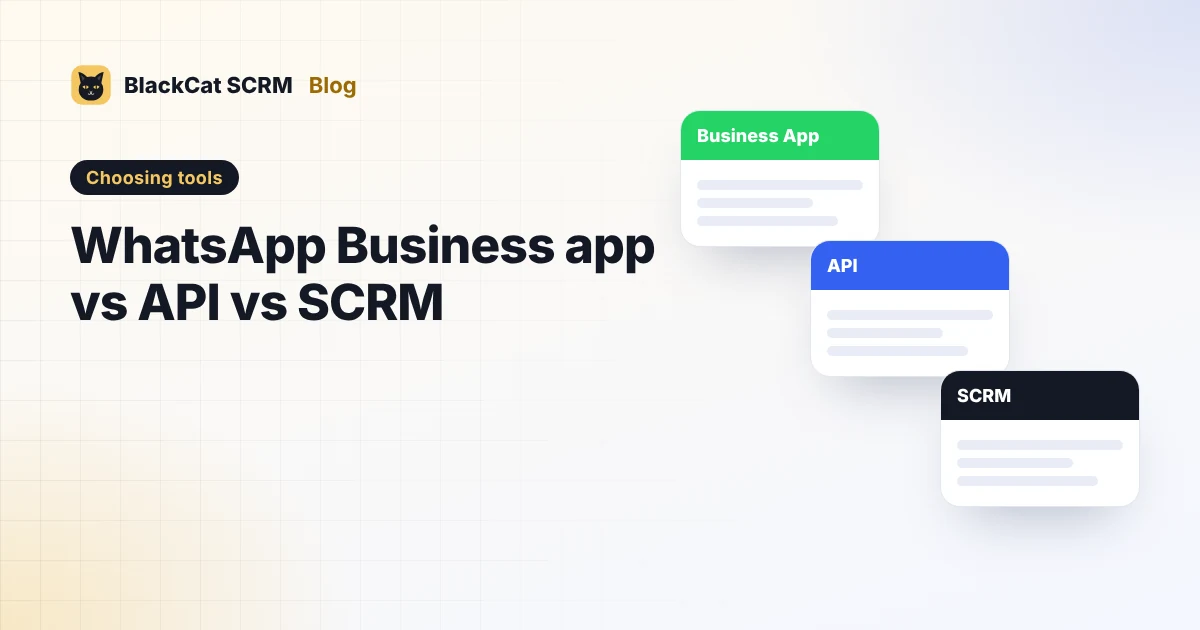
Short answer: the WhatsApp Business app suits one person on one number. The WhatsApp Business Platform (API) suits companies sending large volumes, automated notifications or chatbots, and charges per message. A multi-account SCRM suits sales and support teams who chat by hand on several numbers and apps, often in several languages. Many businesses use the API for notifications and an SCRM for sales chats.
Three tools, three jobs
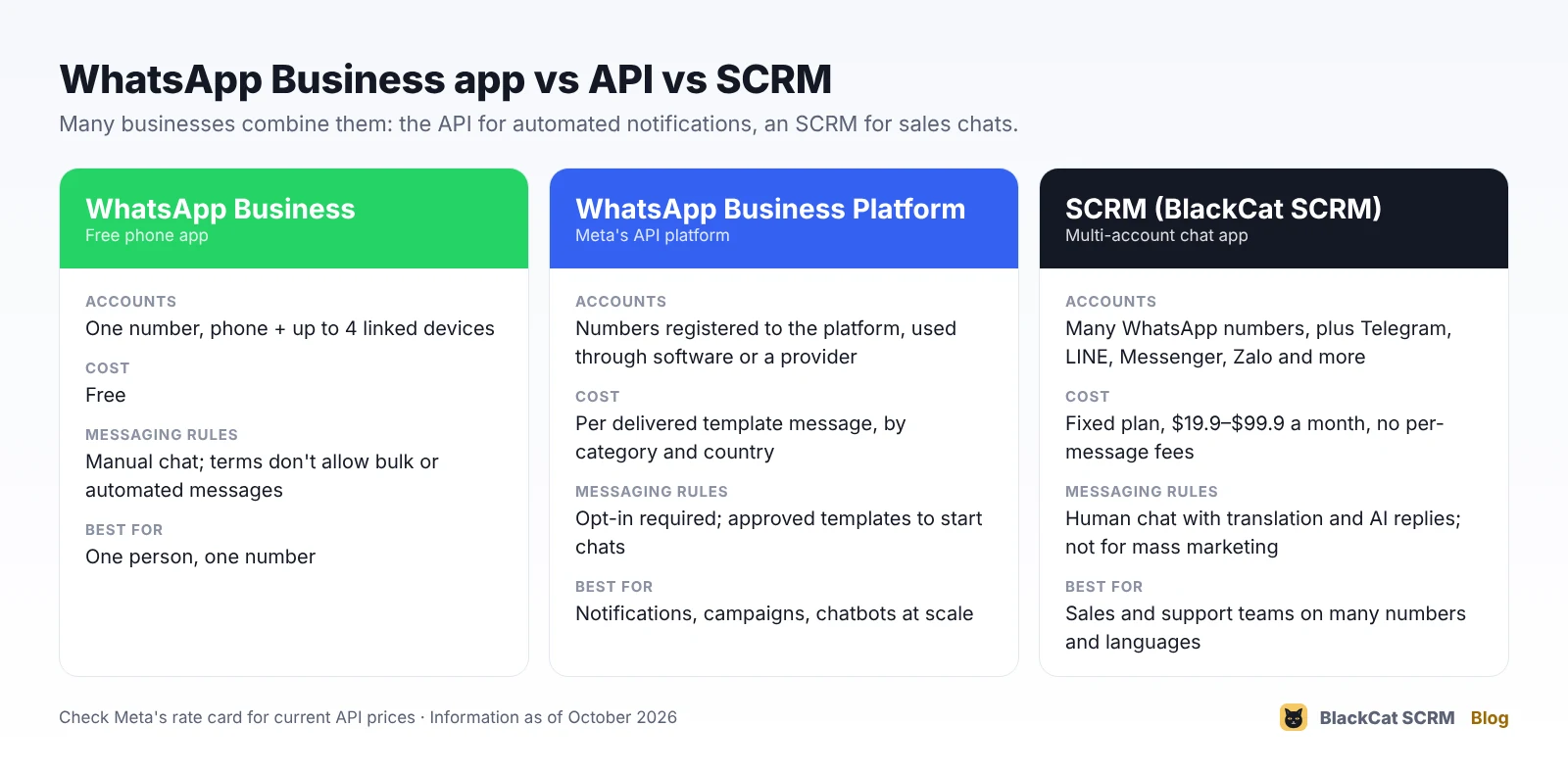
The WhatsApp Business app
A free app from WhatsApp for small businesses. On top of normal WhatsApp it adds a business profile, a product catalogue, labels, quick replies, and greeting and away messages.
- Accounts: one number per account. It can be open on the phone plus up to four linked devices, such as WhatsApp Web on a laptop.
- Cost: free.
- Limits: everything is manual, there's no proper team inbox, and its terms don't allow bulk or automated messaging.
- Best for: a shop owner or one salesperson on one number.
The WhatsApp Business Platform (API)
Meta's platform for companies that message at scale. There's no app: you connect through Meta's Cloud API or a business solution provider, and use their software or your own.
- Set-up: a verified Meta business account and a phone number registered to the platform.
- Rules: customers must opt in. To start a conversation you send a pre-approved template; free-form replies are allowed within 24 hours of the customer's last message.
- Cost: Meta charges per delivered template message, by category (marketing, utility, authentication) and the recipient's country, and providers usually add their own fee. Several providers report that Meta also began charging for replies inside the 24-hour window from 1 October 2026, so check Meta's current rate card for your markets.
- Best for: order and delivery notifications, appointment reminders, chatbots, campaigns to large opted-in lists, and linking WhatsApp to your own systems.
A multi-account SCRM
An SCRM is desktop or web software that puts many chat accounts in one place for the people who answer them. BlackCat SCRM is a Windows app that signs in to your existing WhatsApp numbers (normal or Business app) through WhatsApp Web, each in its own isolated session, alongside Telegram, LINE, Messenger, TikTok, Zalo and X.
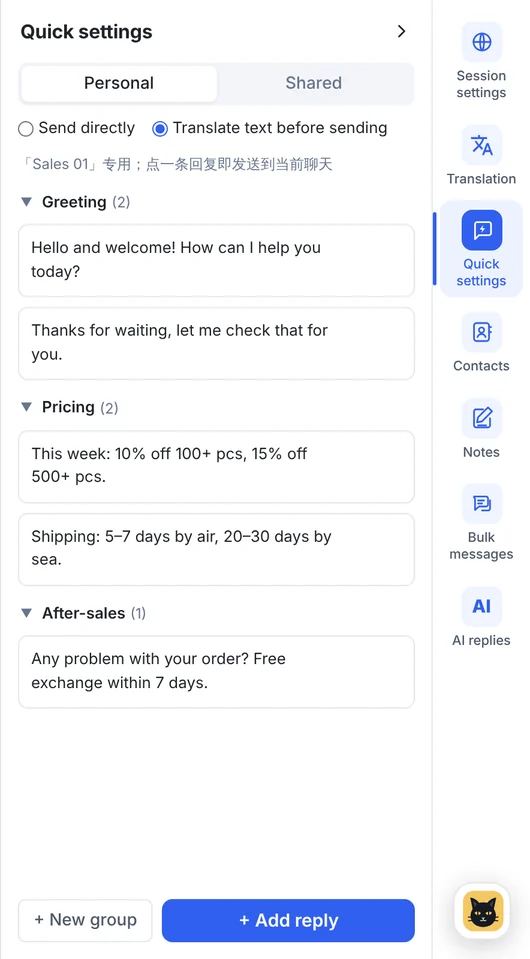
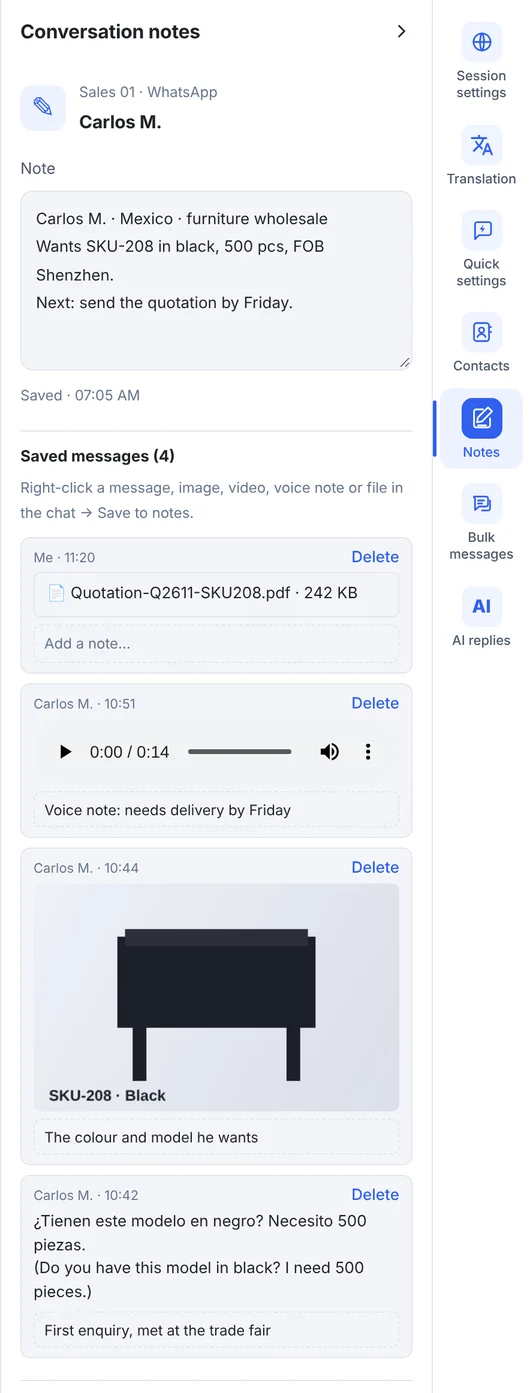
- Cost: a fixed monthly plan. BlackCat is $19.9 to $99.9 a month, with no per-message fees.
- Adds: translation in 65 languages, quick replies, customer notes, AI replies from your own knowledge base, contacts, small bulk sends to your own contacts, and local chat backup.
- Limits: it works through each platform's web version, so it isn't built for sending thousands of marketing messages. That's the API's job.
- Best for: sales and support teams who chat by hand on several numbers and apps, especially across languages.
How to choose
| If you… | Choose |
|---|---|
| Are one person with one number | WhatsApp Business app |
| Send thousands of notifications or campaigns | WhatsApp Business Platform (API) |
| Want a chatbot that answers at high volume | API (or an SCRM's AI replies for normal chat volumes) |
| Have several reps, numbers or markets | SCRM |
| Also sell on Telegram, LINE or Zalo | SCRM |
| Chat with customers in other languages | SCRM with translation |
They aren't exclusive. A common setup is the API for automated order updates and an SCRM where the sales team handles real conversations.
FAQ
Is the WhatsApp Business API free?
No. Meta charges per delivered template message, by message category and country, and most providers add a monthly or per-message fee. Check Meta's rate card for current prices.
Can I use BlackCat SCRM with the WhatsApp Business app?
Yes. BlackCat signs in to normal WhatsApp and WhatsApp Business app numbers through WhatsApp Web. Numbers that are only on the API platform can't be opened this way.
Do I need the API to use AI replies?
Not with BlackCat. Its AI replies answer from your own knowledge base on WhatsApp, Telegram, LINE and Messenger accounts, using the AI points in your plan (Pro and above).