Short answer: let customers write in their own language and reply in theirs, with translation built into the chat. Keep sentences short, double-check numbers, dates and units, save your key answers as tested quick replies, and preview important messages before sending. For prices and contract terms, send the original next to the translation.
Why write in the customer's language
Many buyers in Thailand, Vietnam, the Middle East and Latin America can read some English but would rather not negotiate in it. A short, clear message in their own language gets a faster answer and fewer misunderstandings. You don't need to speak five languages; you need translation that sits inside the chat and a few habits that stop it from going wrong.
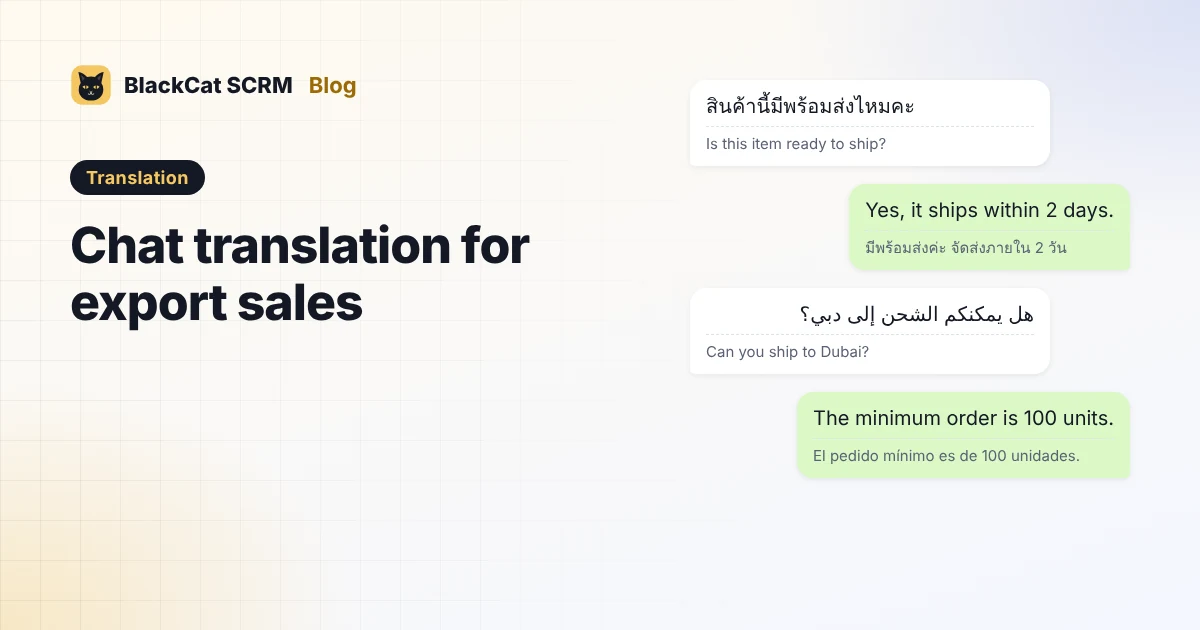
Real examples
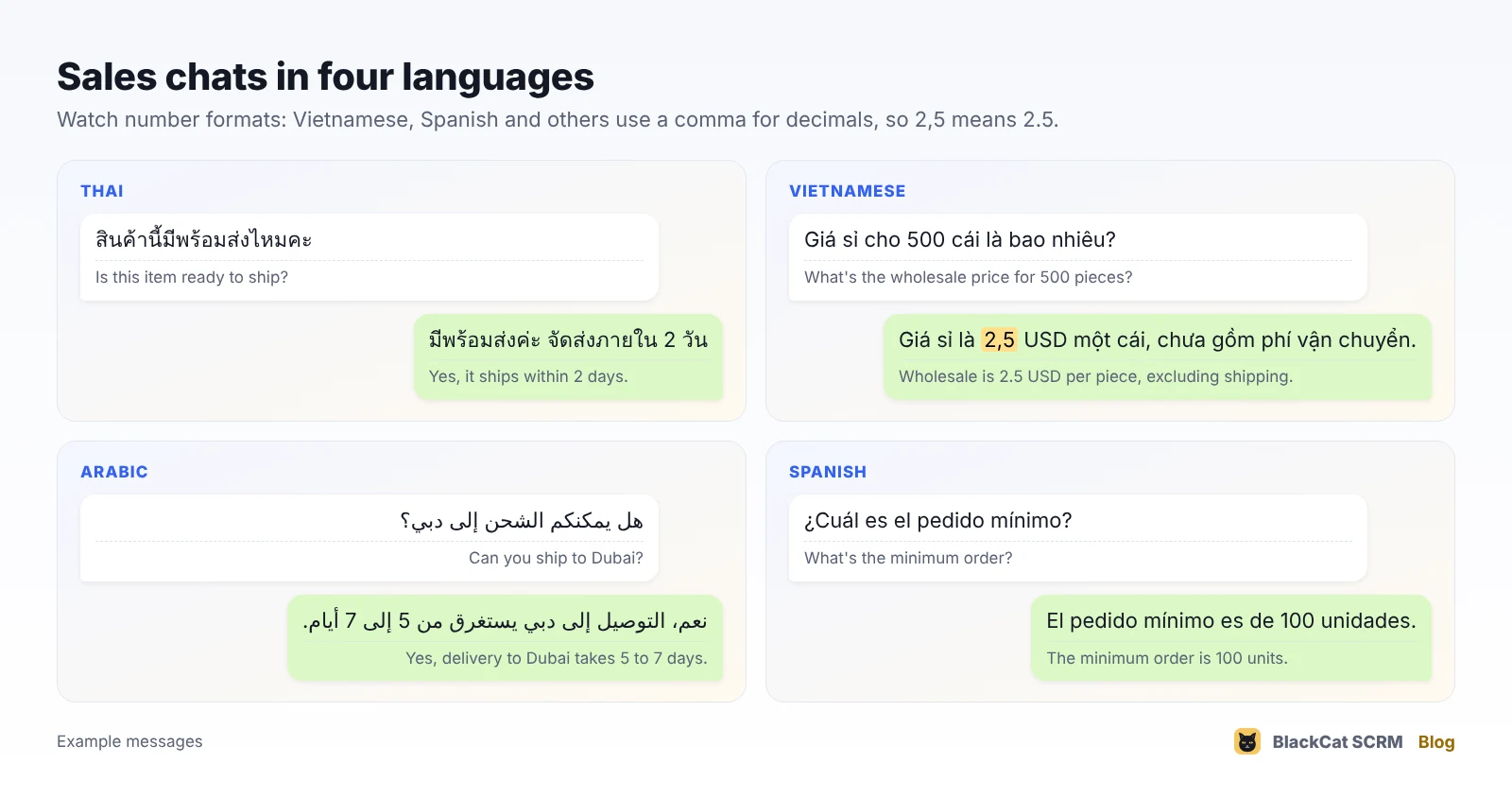
These are the kinds of messages a sales team handles every day. Questions about stock, minimum order, price and shipping make up most of them, which is why a tested set of answers goes a long way.
Where machine translation goes wrong
- Numbers and decimals. Vietnamese, Indonesian, Spanish and many European languages write 2.5 as 2,5 and 1,000 as 1.000. A price can quietly become ten or a thousand times off. Write prices with the currency and check them in both languages.
- Dates. 03/04 is 3 April in most of the world and March 4 in the US. Write "3 April" or the month in words.
- Units and sizes. Pieces, cartons, sets and dozens get mixed up. Say "100 pieces (2 cartons of 50)".
- Product names and models. Translation may "translate" a model name or brand. Keep codes like SKU-208 exactly as they are.
- Tone. Thai adds polite particles (ค่ะ / ครับ), Arabic and Japanese business chat is more formal, and Spanish differs between Spain and Mexico. Short, polite sentences translate best.
- Slang and jokes. "No worries, we'll sort it ASAP" rarely survives translation. Plain words do.
A simple routine that works
- Translate both directions. Read incoming messages in your language and send replies in the customer's.
- Set the language per customer when one account serves several countries.
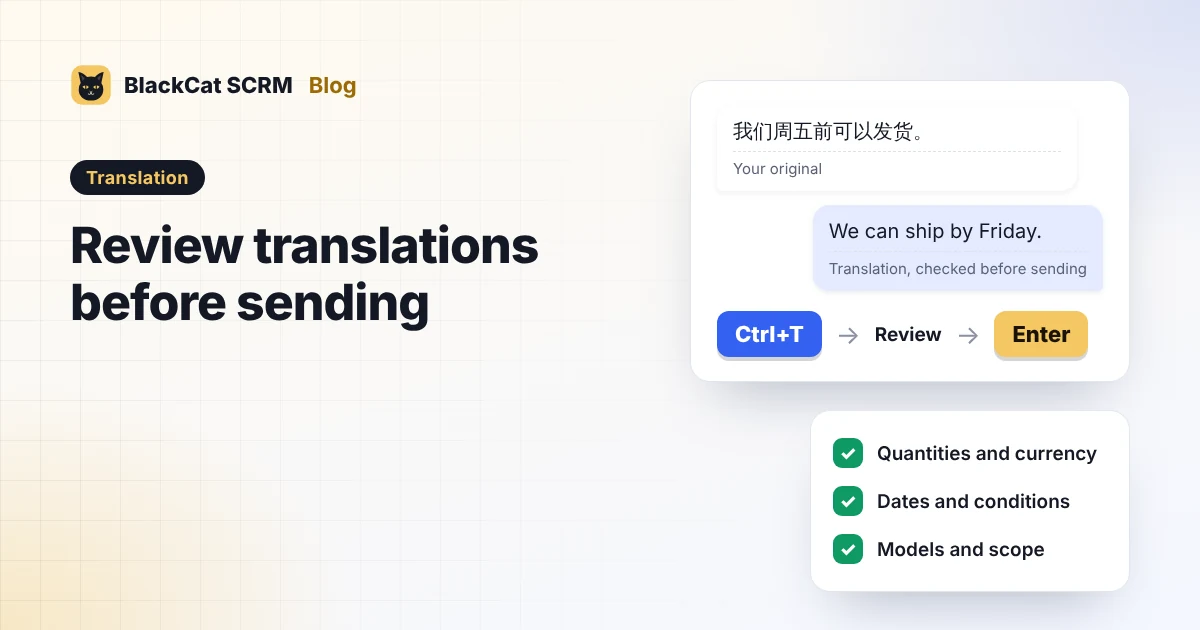
- Preview before you send anything with a price, date or quantity.
- Save tested answers as quick replies. Have a native speaker check your ten most common replies once, then reuse them.
- Send the original next to the translation for prices and terms, so there's no doubt about what was agreed.
How translation works in BlackCat SCRM
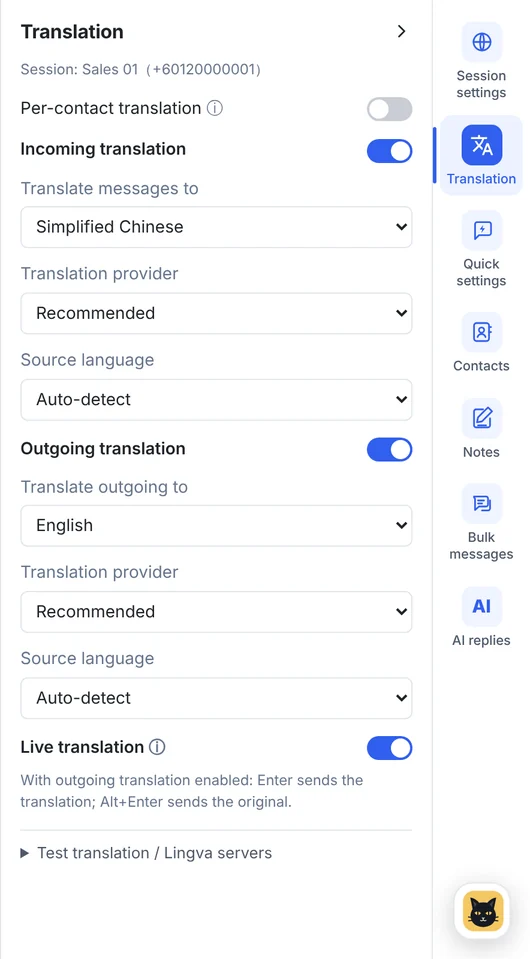
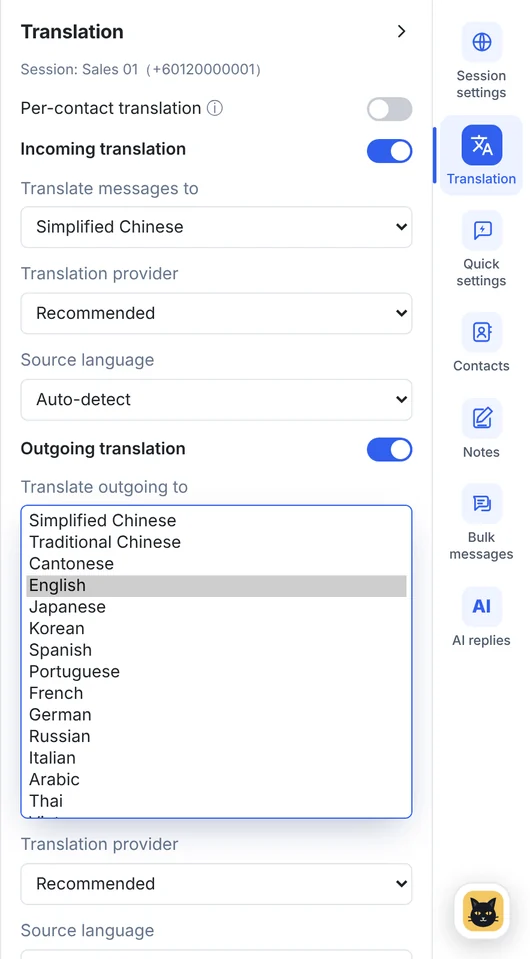
BlackCat's translation works on WhatsApp, Telegram, LINE and Messenger accounts:
- Received and outgoing messages, per account or per customer, with real-time translation as messages arrive.
- 65 languages through AI, Google and Lingva routes, with automatic fallback.
- A preview above the typing box; Enter sends the translation and Alt+Enter sends your original.
- Since version 1.14.6, an optional translation shortcut (Ctrl+T by default) that puts the translation in the box so you can edit it before pressing Enter.
- A test box for trying a phrase before using it with a customer.
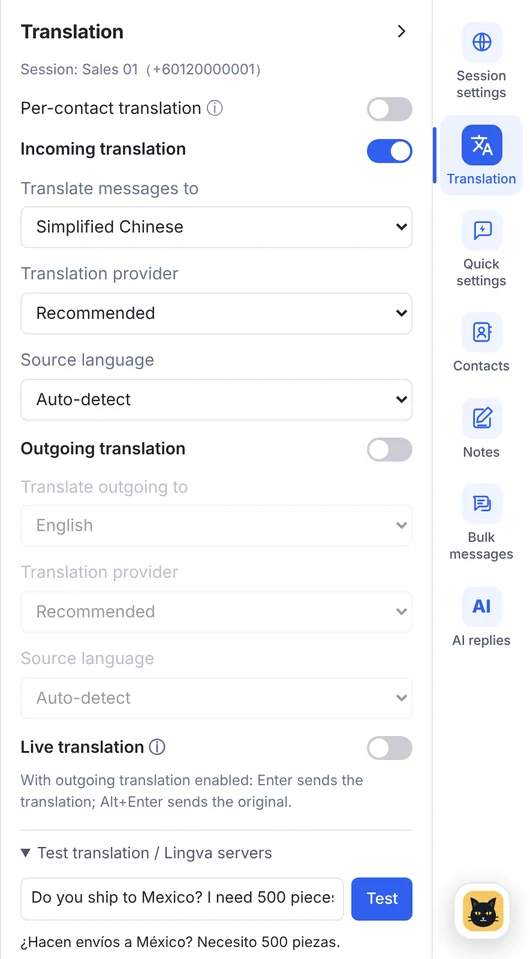
AI translation uses your plan's AI points; Google translation and your own API key use none.
FAQ
Is machine translation good enough for sales chats?
For everyday questions about stock, prices and shipping, yes, as long as messages are short and you check numbers and dates. For contracts and disputes, add the original text or ask a native speaker.
Will customers know I'm using translation?
Sometimes, and that's fine. Most buyers prefer a clear translated message to broken English. Saying you're using translation also invites them to write simply.
Which languages does BlackCat translate?
65, including Simplified and Traditional Chinese, Cantonese, English, Malay, Tamil, Indonesian, Thai, Vietnamese, Filipino, Arabic, Spanish, Portuguese, French and Russian.