Get BlackCat SCRM for Windows
Install the desktop client, sign in with your BlackCat login and add your chat accounts. New versions install themselves.
Version 1.16.0 · Windows 10 or 11 · .exe installer
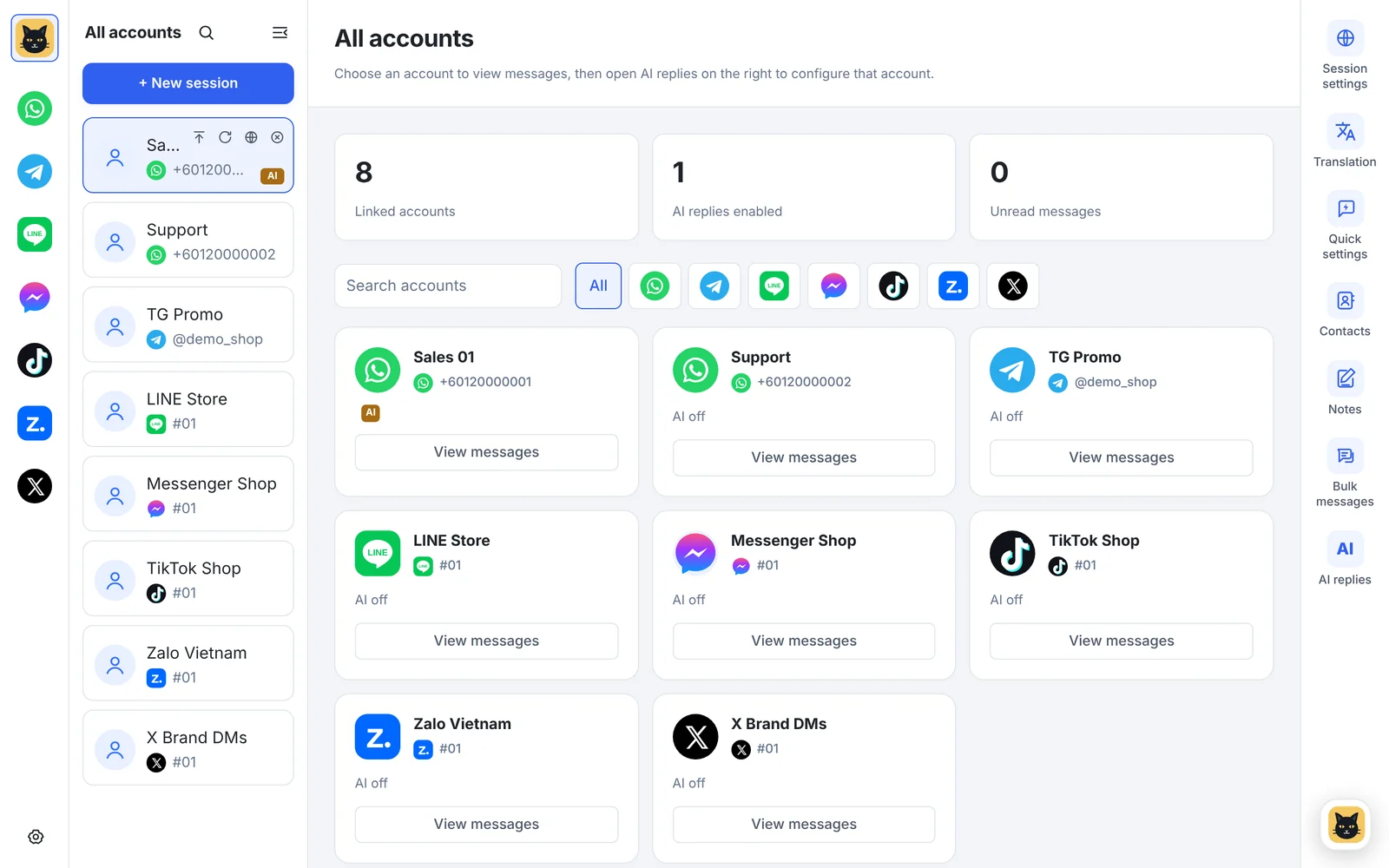
Up and running in four steps
The app needs a BlackCat login. Contact us to activate a plan if you don't have one yet.
Run the installer
Open the downloaded .exe, choose where to install, then start BlackCat SCRM from the desktop or Start menu.
Sign in
Sign in with the BlackCat login we sent you. Your plan's accounts and AI points appear right away.
Add chat accounts
Click "New session", pick WhatsApp, Telegram, LINE, Messenger, TikTok, Zalo or X and scan the QR code with your phone.
Turn on the tools
Use the right-hand tool bar to set up translation, quick replies and AI replies for each account.
System requirements
- Windows 10 or Windows 11
- A stable internet connection
- A phone with each chat app installed, to scan the login QR codes
- A BlackCat login (any plan)
Is there a Mac version?
BlackCat SCRM is a Windows desktop app. There is no macOS version at the moment.
Do I need to reinstall for updates?
No. New versions download in the background and install when you restart the app.
Can I install it on more than one computer?
Yes. Starter and Pro allow one computer signed in at a time; Business and Enterprise have no limit.