Short answer: start the WhatsApp chat at the booth: ask "Can I WhatsApp you the catalogue?" and have the buyer scan your QR code and send a hello, so you have their agreement and a chat that already exists. That evening, write a note for each lead: where you met, what you discussed, what they need, what you promised. Within 24 hours send a personal message that mentions your conversation and includes what you promised; within 48 hours send the quote or sample details they asked for. Then follow up on a plan if they go quiet. Message only people who agreed to hear from you; a bulk message is fine for a short thank-you to opted-in contacts, but the follow-ups that close deals are one by one.
Why do trade fair leads go cold so fast?
Because every buyer at the fair met dozens of suppliers in the same few days, and most of those suppliers follow up the same way: a week later, with a generic email to an address copied from a business card. By then the buyer can't remember which booth you were. A WhatsApp message the same evening, mentioning what you actually talked about, stands out simply because it's quick and specific.
What should happen in the first 48 hours?
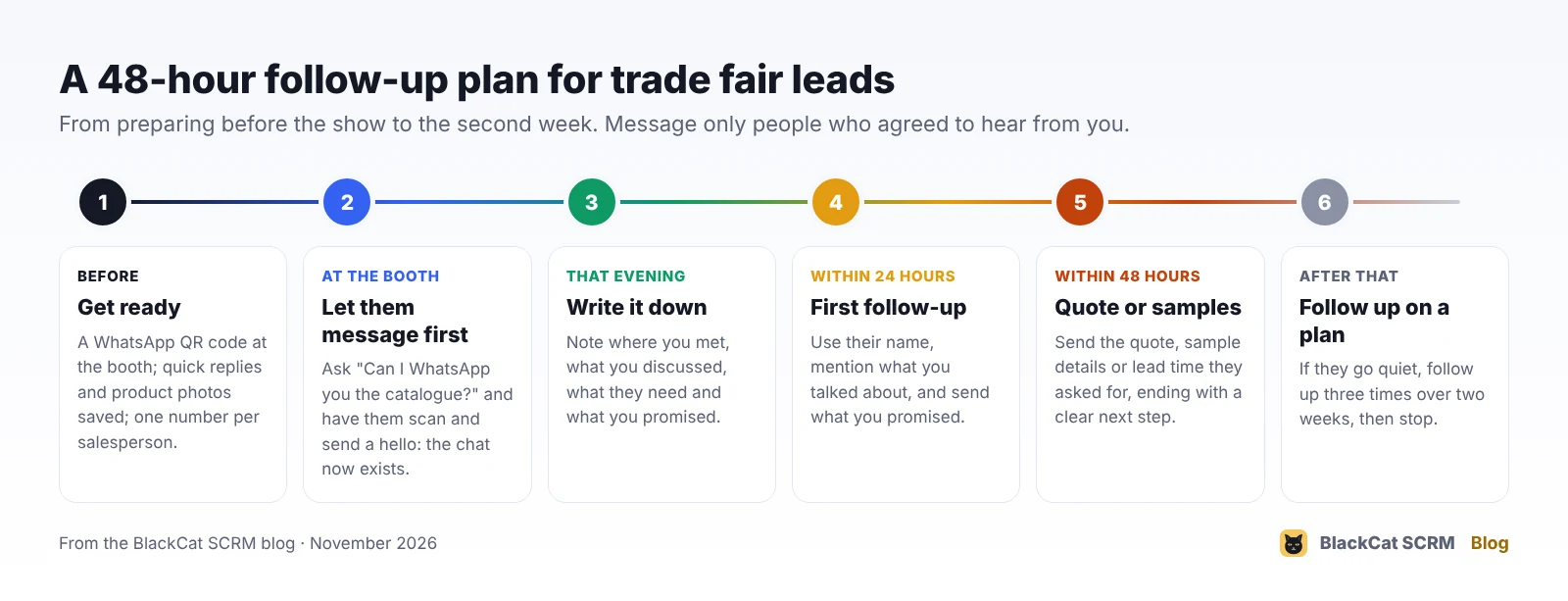
- Before the fair: print a WhatsApp QR code or a short wa.me link for each salesperson's number, save quick replies and product photos, and decide who follows up which markets.
- At the booth: ask "Can I WhatsApp you the catalogue?" and have the buyer scan your code and send a hello. You now have their agreement, a chat that exists, and their name and number spelled correctly.
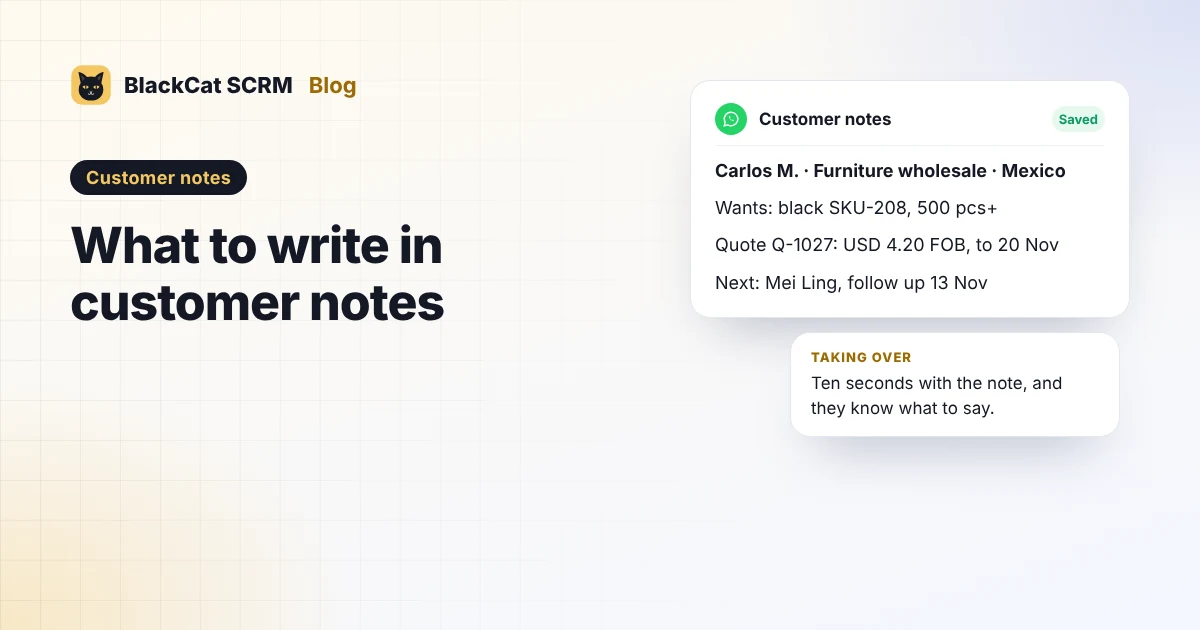
- That evening: write a short note in each new chat: where you met, what they're looking for, quantities, target price, and anything you promised.
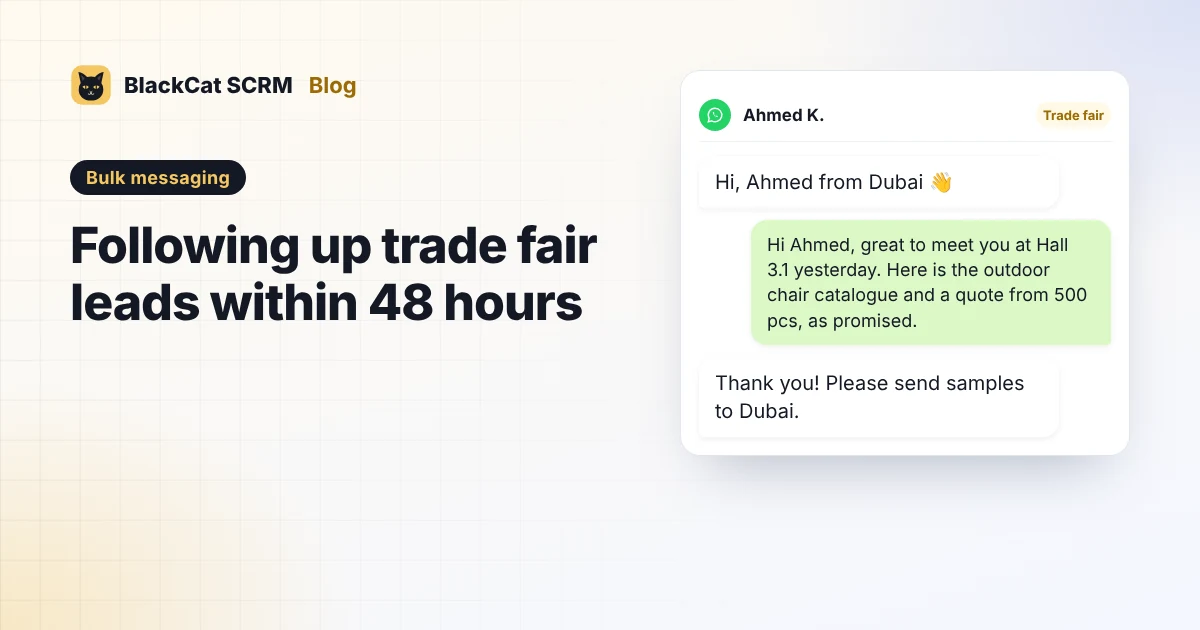
- Within 24 hours: a personal message that uses their name, mentions what you discussed and includes what you promised.
- Within 48 hours: the quote, sample details or lead time they asked for, ending with one clear next step.
- After that: if they go quiet, follow up on a plan, three times over about two weeks, as in how to follow up a buyer who went quiet.
How do we get buyers to message us first?
WhatsApp's click-to-chat link is the simplest way: https://wa.me/ followed by your number in international format, with no plus sign, spaces or dashes. You can add a pre-filled message with ?text=, for example "Hello from your booth at the fair". Turn the link into a QR code and put it on the booth sign, your badge holder and the catalogue. When the buyer scans it and taps send, the conversation starts on their side.
Use a separate link per salesperson so each lead lands on the right number, and test every code on a phone before the fair opens.
What should the first messages say?
| EN | Hi [Name], great to meet you at [fair, hall] yesterday. As promised, here is our [product] catalogue and a price for [quantity]. Would you like samples sent to [city]? |
|---|---|
| BM | Hai [Nama], gembira berjumpa anda di [pameran, dewan] semalam. Seperti dijanjikan, ini katalog [produk] kami dan harga untuk [kuantiti]. Mahukah kami hantar sampel ke [bandar]? |
| 中文 | [称呼]您好,昨天在[展会、展馆]很高兴认识您。答应发您的[产品]目录和 [数量] 的报价在这里,需要我们把样品寄到[城市]吗? |
The detail that makes it work is the reference to your conversation: the product they picked up, the colour they asked about, the market they sell to. Write it in the note at the booth or that evening, while you still remember.
Is it OK to message every business card we collected?
Not automatically. WhatsApp's Business Messaging Policy says you may contact people only if they gave you their number and you received their permission to message them. A business card handed over at a booth gives you the number; a "yes, WhatsApp me the catalogue" gives you the permission. That's why the QR code at the booth helps so much: the buyer starts the chat.
For cards where you didn't ask, send an email first and offer WhatsApp as an option. And keep bulk messages for short, genuinely useful notes to people who agreed, such as a thank-you with a link to the catalogue. Real follow-ups are written one buyer at a time.
How does BlackCat SCRM help after a fair?
In BlackCat SCRM, each salesperson's WhatsApp runs in its own session in one window, with an unread count on each, so new chats from the fair don't get missed.
- Customer notes beside every chat for the booth details, and Save to notes for the photos and files you send.
- Quick replies with the catalogue and price list attached, shared with the team.
- Translation in 65 languages for buyers who write in their own language.
- Bulk messaging for a short thank-you to opted-in leads: build a recipient list by hand, from recent chats or from Excel, add name variables, preview the message, pick the sending accounts and interval, then track progress, retry failures and export the results.
- BlackCat Assistant (Pro and above) can build a list from an account's most recent chats without sending anything, for example "make a list from Sales 2's last 20 WhatsApp chats".
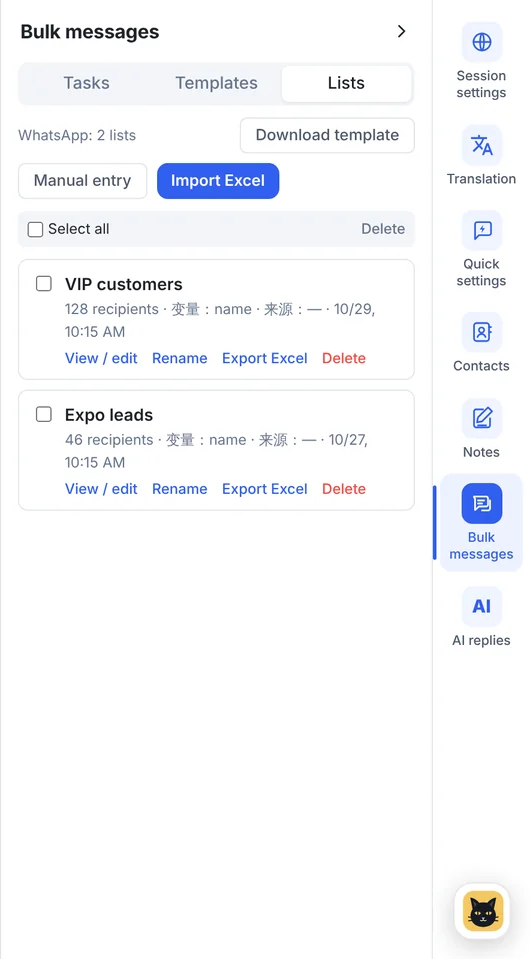
Honest limits: bulk messaging works on WhatsApp and Telegram only, and it's for people who agreed to hear from you; BlackCat can't make an unwanted message acceptable to WhatsApp. It also doesn't scan business cards or remind you about follow-ups, so keep the dates in your notes.
Sources
- WhatsApp Help Center: How to use click to chat (wa.me links and pre-filled messages).
- WhatsApp: WhatsApp Business Messaging Policy (contact people only with their number and their permission).
- BlackCat SCRM user guide: bulk messaging lists, templates and tasks, customer notes and quick replies.
FAQ
How soon should I follow up after a trade fair?
Send the first personal message within 24 hours, ideally the same evening, and the quote or samples within 48 hours.
Can I send one bulk message to all my trade fair leads?
Only to people who agreed to receive messages, and only for something short and useful such as a thank-you with the catalogue. Personal follow-ups work much better one by one.
What if I only have a business card and never asked about WhatsApp?
Email first and offer WhatsApp as an option. Message on WhatsApp once they agree or message you.
Can BlackCat SCRM import my leads from Excel?
Yes. Recipient lists for bulk messaging and contacts can be imported from Excel. Use them only for people who agreed to hear from you.