Short answer: the Telegram app lets you add up to three accounts and switch between them, or four with Telegram Premium. That suits one person; it doesn't show every account at once or give a team shared tools. Telegram Business (part of Premium) adds quick replies, greeting and away messages, opening hours and chatbot support, account by account. For a team running more numbers, a multi-account app such as BlackCat SCRM keeps each Telegram account in its own session in one window, with unread counts, translation, shared quick replies, customer notes and AI replies. Whatever you use, Telegram limits accounts that get reported for spam, so message people who expect to hear from you.
How many Telegram accounts can one app hold?
Telegram lets you log in to one app with several accounts and switch between them. According to Telegram's own announcements, that's up to three accounts with different phone numbers, and Telegram Premium adds a fourth. Each account keeps its own chats and notifications.
For a salesperson with a work number and a personal one, that's enough. For a team it isn't: you see one account at a time, the limit is low, and nothing is shared between colleagues.
What are the ways to run several accounts?
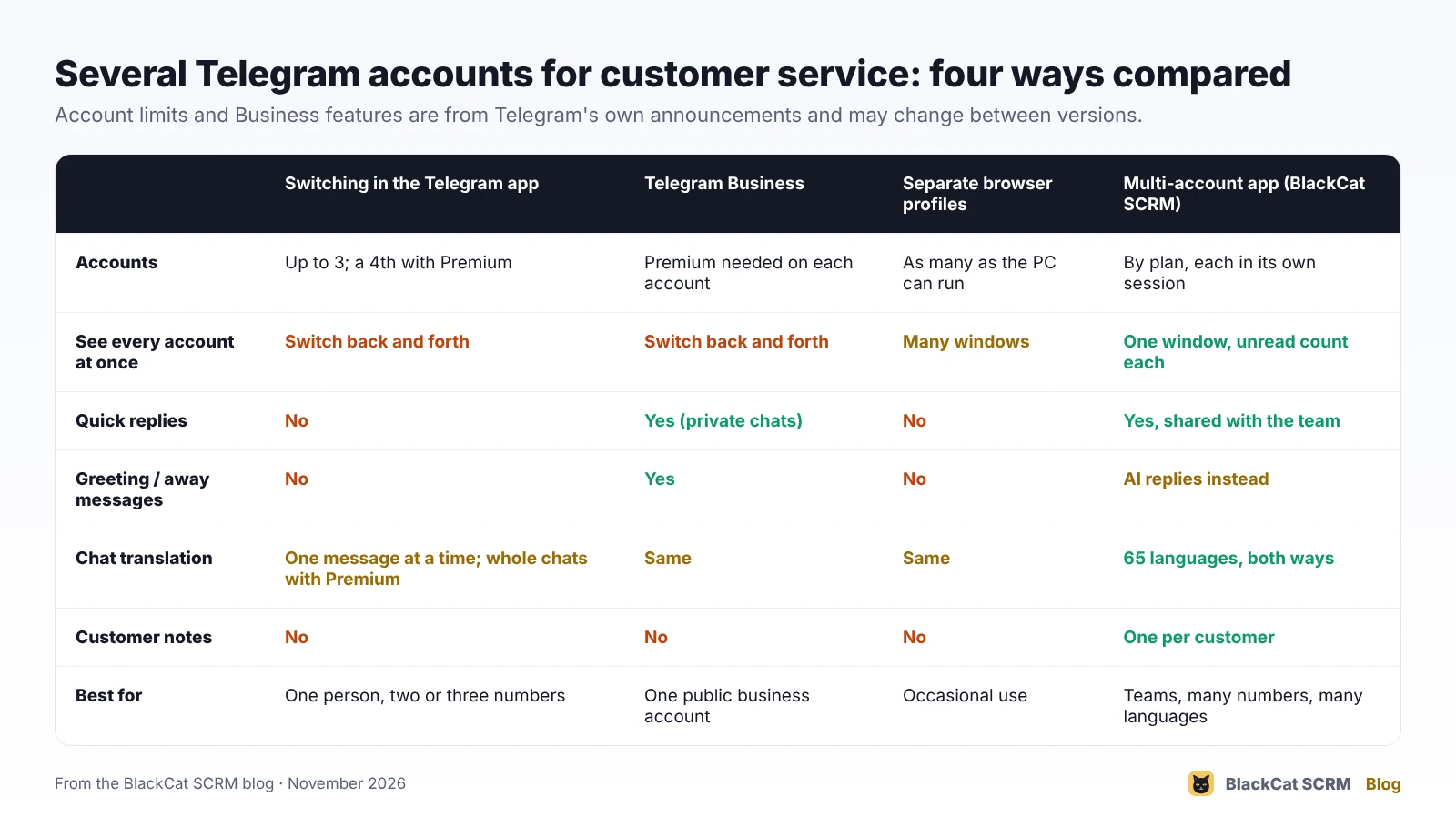
- Switching in the Telegram app. Free and built in, up to three accounts (four with Premium). You only see the account you've switched to.
- Telegram Business. Included with Premium on each account: opening hours and location on the profile, quick replies (type
/in a private chat), greeting messages for first-time contacts, away messages for closed hours, a custom start page and chatbot support. Good for a single public business account. - Separate browser profiles. Telegram Web in a different browser profile per account. It works, but you end up with a window per number and no shared tools.
- A multi-account app. All accounts in one window, each signed in separately, with tools the team shares.
How should a team organise its Telegram accounts?
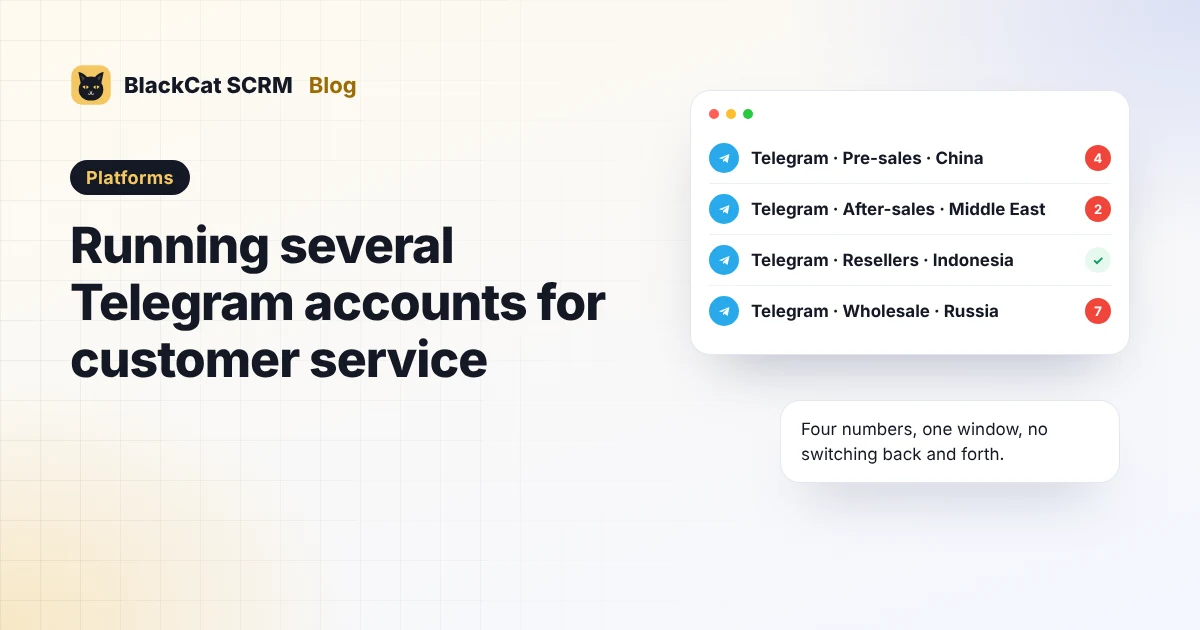
- One account per market or role, such as pre-sales, after-sales or resellers, on company-owned numbers. Name each account so anyone can tell what it's for.
- Set a username on each business account. Buyers can find and message you by @username without exchanging phone numbers.
- Keep the SIMs safe. Telegram sends login codes to the phone number, and some sign-ins need the phone or another logged-in device.
- Turn on two-step verification with a password the company controls, and record who has it.
- Write down who answers which account and in which hours, the same way you would for WhatsApp.
What gets a Telegram account limited?
Telegram's FAQ explains that when people report your messages as unwanted, your account can be limited so that you can only message mutual contacts for a while, and that messaging strangers at random can cost you that ability. An affected account can check its status with Telegram's @SpamBot.
So the same rule applies as on every app: send messages to people who contacted you or agreed to hear from you, and don't use customer-service accounts for cold outreach.
How does BlackCat SCRM handle Telegram?
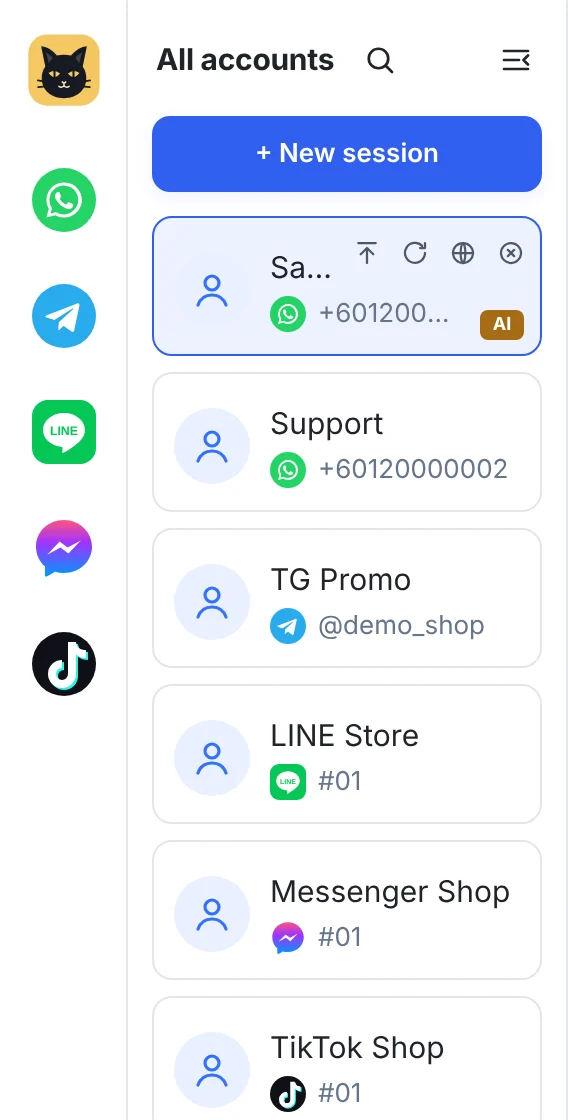
Telegram is one of the fully supported platforms in BlackCat SCRM. Each account signs in separately, by QR code or phone number, in its own isolated session, with its own proxy setting if you need one.
- All accounts in one window with an unread count per account, and BlackCat's own pop-ups for new messages. Telegram's notifications come from Telegram, so muted chats and messages from before the app opened don't pop up.
- Translation in 65 languages both ways, per account or per customer, with an optional shortcut to check a translation before sending.
- Quick replies, personal or shared with the team, with attachments.
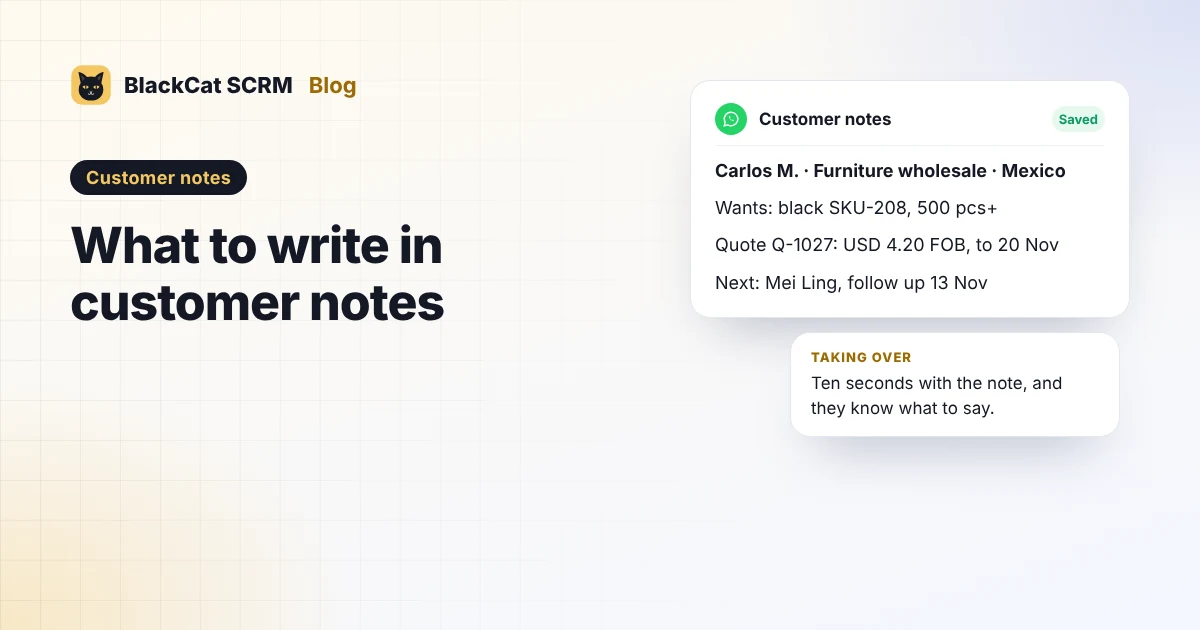
- Customer notes beside every chat, and Save to notes for messages, photos, voice notes and files.
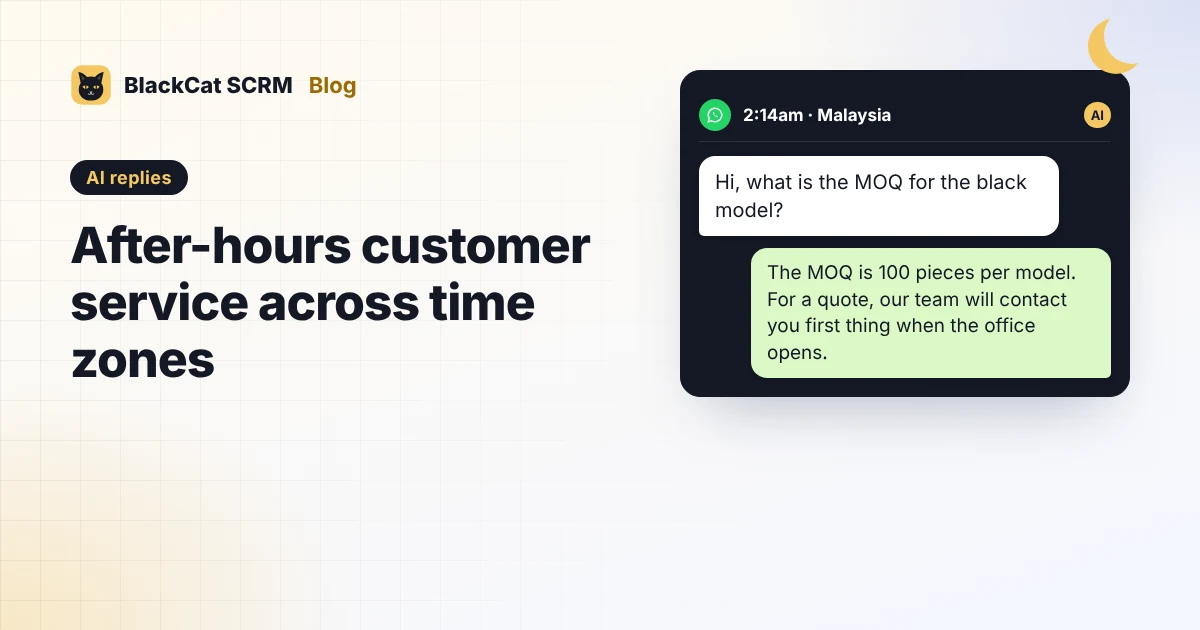
- AI replies from your knowledge base (Pro and above), handing over to a person when unsure.
- Contacts and bulk messaging by @username, for customers who agreed to receive messages, and chat backup.
Honest limits: BlackCat doesn't replace Telegram Business features such as opening hours on your profile or greeting messages; AI replies are the closest equivalent. Telegram's own rules on spam apply in BlackCat exactly as in the Telegram app.
Sources
- Telegram: Themes, Multiple Accounts and More (up to three accounts in one app) and 700 Million Users and Telegram Premium (a fourth account with Premium).
- Telegram: Introducing Telegram Business and the Telegram Business API documentation.
- Telegram: Telegram FAQ (logging in with several accounts, translation, and limits after spam reports).
- BlackCat SCRM user guide and supported platforms.
FAQ
Can I use more than three Telegram accounts on one computer?
In the Telegram app, three, or four with Premium. With separate browser profiles or a multi-account app such as BlackCat SCRM, you can run more, each signed in separately.
Do I need Telegram Premium for customer service?
Not necessarily. Premium adds Telegram Business tools such as quick replies, greeting and away messages, and a fourth account. If you run several accounts in a multi-account app, quick replies and AI replies cover much of that.
Can I send bulk messages on Telegram with BlackCat?
Yes, by @username, to customers who agreed to receive messages. Unwanted messages get reported, and reported accounts are limited by Telegram.
Does translation work on Telegram in BlackCat?
Yes, in both directions, in 65 languages, per account or per customer.